
CLI tool for searching duplicate values in a MongoDB collection by a chosen field.
- Finds duplicates by any user-defined field ("createdAt", "text", "price", etc).
- Dates are formatted as ISO. Arrays and objects are output via JSON.stringify.
- Works with a configuration file containing:
uri,db,collection,field,allowDiskUse,maxDuplicatesToShow. - Informative logs:
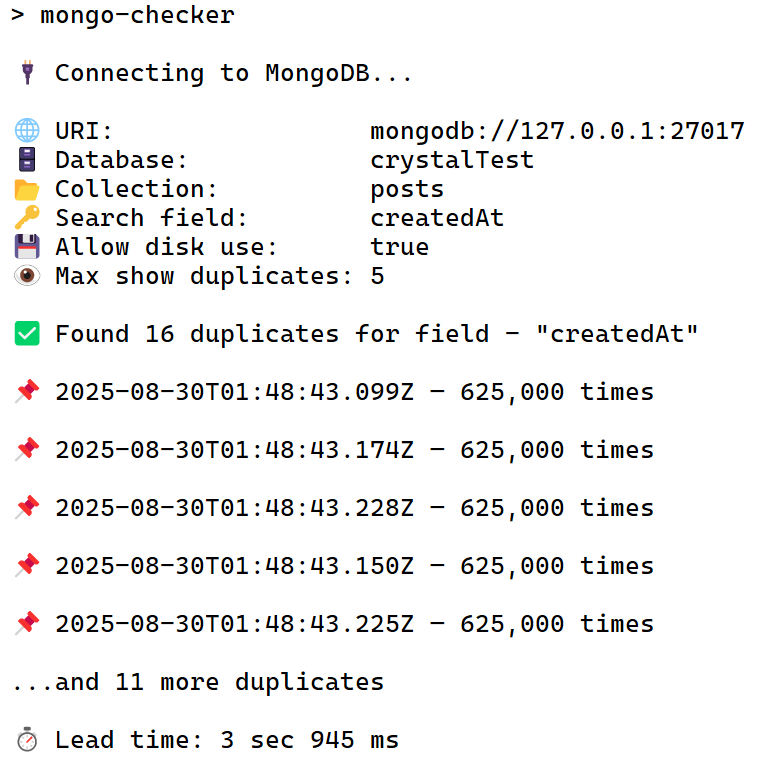
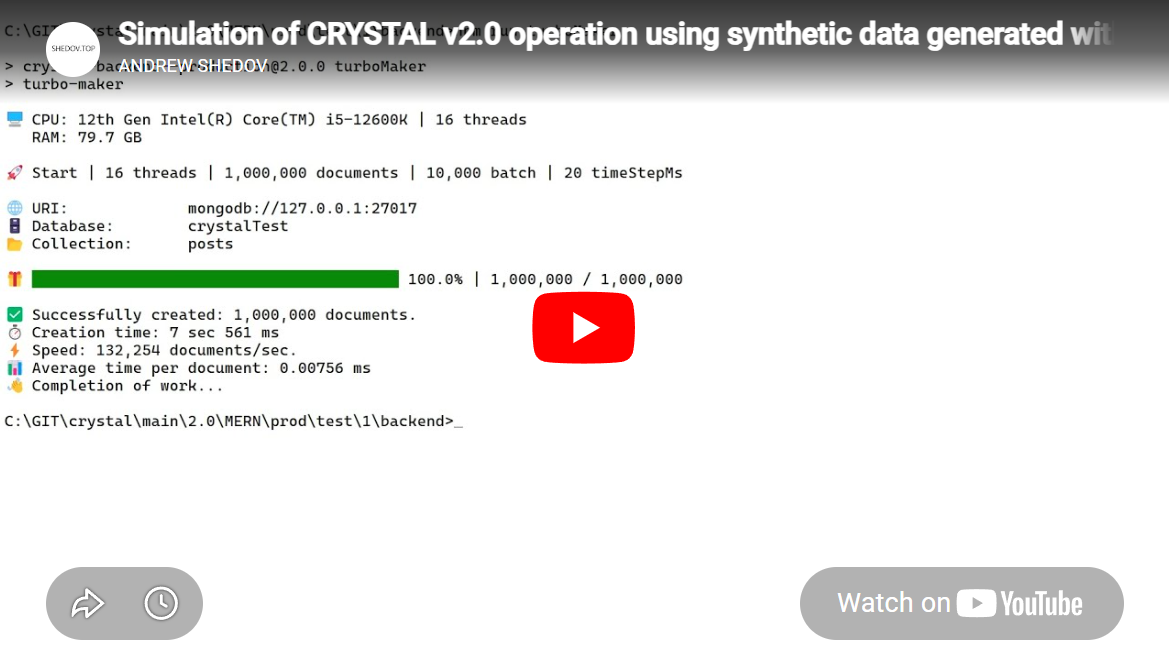
In the screenshot, an example of checking the collection "posts" (10,000,000 documents) by field "createdAt". Documents created in turboMaker, with value - timeStepMs: 0.
Aggregation pipeline:
const duplicates = await coll.aggregate(
        [
          { $group: { _id: `$${field}`, count: { $sum: 1 } } },
          { $match: { count: { $gt: 1 } } },
          { $sort: { count: -1 } }
        ],
        { allowDiskUse }
      ).toArray();
_id in the group stage → the field value (date/string/number/object/array).
Output formatting:
Date → ISO string
Array/Object → JSON.stringify
Other → String(value)
- Install the package:
npm i mongo-checker- Add a script in your package.json:
"scripts": {
  "mongoChecker": "mongo-checker"
}- In the root of the project, create a file — mongo-checker.config.js.
Example of file contents:
export default {
  uri: "mongodb://127.0.0.1:27017",
  db: "crystalTest",
  collection: "posts",
  field: "createdAt",
  allowDiskUse: true,
  maxDuplicatesToShow: 5
};- Run from the project root:
npm run mongoCheckerallowDiskUse: true
MongoDB is allowed to use temporary disk space for intermediate data.
When to enable:
- With a small amount of RAM.
- For large collections (tens of millions of documents or more), to avoid out-of-memory errors.
Drawbacks:
- Disk is slower than RAM → query execution can be significantly slower.
- If the disk is heavily used, other operations may slow down as well.
allowDiskUse: false
MongoDB processes data only in RAM.
- For small collections (up to ~1M documents), this is usually faster.
- For huge collections, the operation may fail with an out-of-memory error.
In-memory operations are often much faster than disk-based ones - allowDiskUse: true.
maxDuplicatesToShow
Limits the maximum number of duplicate values displayed in the output.