


Free & Open Source Game Engine built for lovers of C#.
Warning
Beryl is a Pre-Release engine. It's API will have breaking changes.
Beryl is a cross-platform, MIT licensed, 3D-Focused game engine that fully embraces modern C#. It's designed for developers looking for an engine they'll enjoy using, no messy abstractions, no interop artifacts, and no licensing concerns.
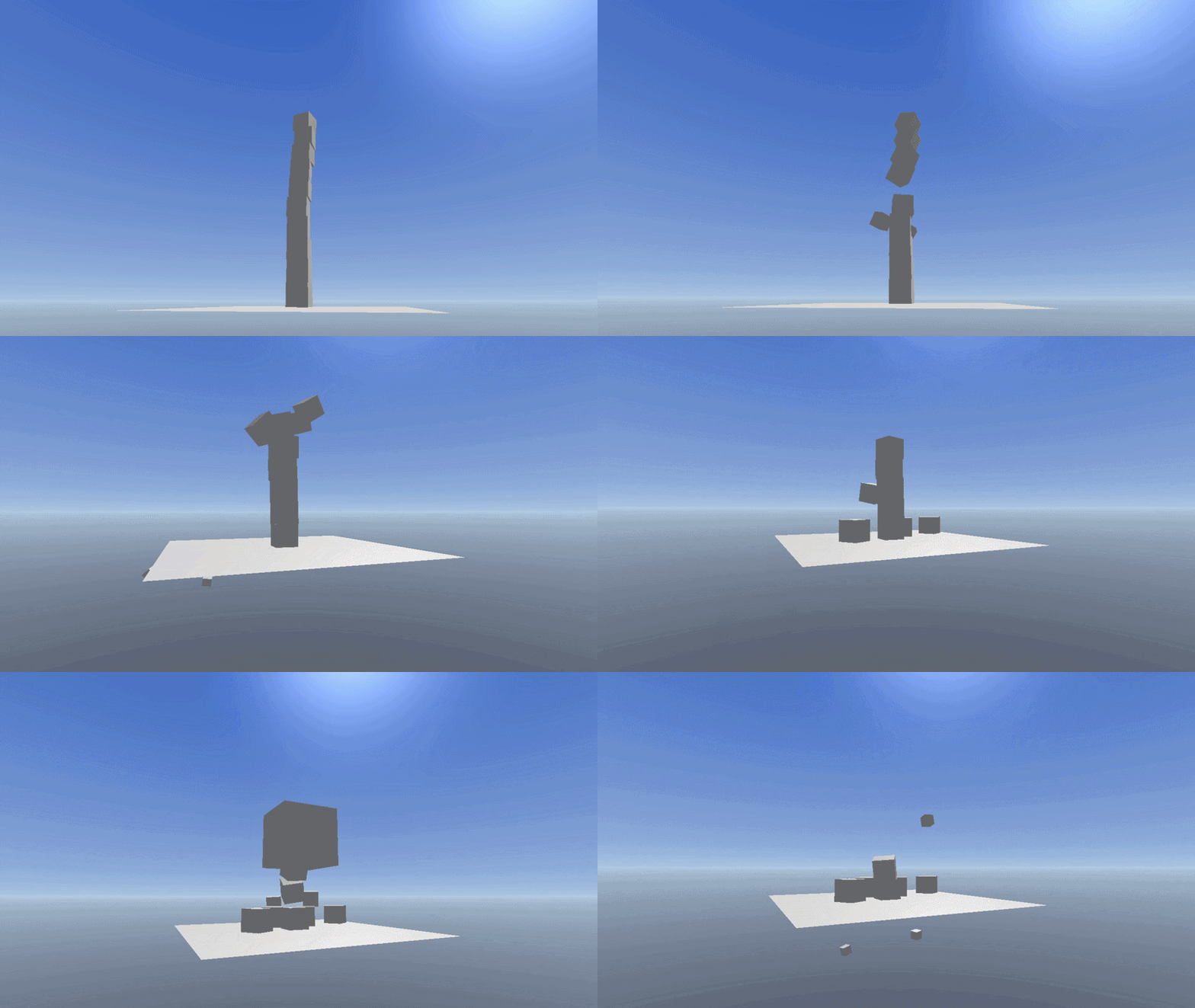
Once you have a .csproj that depends on all Beryl libraries your game will use, you can start the engine through an entry-point that look a bit like this:
static void Main(string[] args)
{
    // Register all Modules our game wants to use
    ModuleManager.RegisterModule<InputModule>();
    ModuleManager.RegisterModule<PhysicsModule>();
    ModuleManager.RegisterModule<SceneModule>();
    ModuleManager.RegisterModule<AudioModule>();
    ModuleManager.RegisterModule<RenderingModule>();

    Application.OnStart += () =>
    {
			// Setup a Scene!
			Skybox sky = new();

			FlyController flyController = new();

			Prop floor = new() { PhysicsMode = PropPhysicsMode.Static };
			floor.Transform.Scale = new Vector3(10, 1, 10);
			floor.Renderer.Mesh = Mesh.Plane;

			floor.RigidBody.Colliders.Add(new BoxCollider(10, 0.01f, 10));

			Prop cube = new() { PhysicsMode = PropPhysicsMode.Dynamic };
			cube.Transform.Position = new Vector3(0, 10f, 0);
			cube.Renderer.Mesh = Mesh.Cube;

			cube.RigidBody.Colliders.Add(new BoxCollider(1, 1, 1));

			ModuleManager.GetModule<SceneModule>()?.CurrentScene.StartAll();
    };

    Application.Initialize();
}
Want to learn more? Check out the Beryl documentation.
Beryl fully embraces modern C# and it's features. Extensive use of properties, nullability, attributes, and abstraction means code can be more explicit and less based in guess work.
All engine subsystems have their lifecycle hooked into the Module system. Because of this, subsystems can be arbitrarily disabled, profiled, or singled out for debugging.
if (ModuleManager.GetModule<InputModule>()?.PrimaryKeyboard?.IsKeyPressed(Keyboard.Key.E) == true)
{
	if (ModuleManager.GetModule<PhysicsModule>()?.World.TryRaycast(Transform.Position, Transform.Forward, 100f, out var hit) == true)
		BerylConsole.Log(hit.Body.Owner?.Name);
}Logic is built around Entities and Components. Components are the reusable building blocks of the engine whilst Entities orchestrate their attached components to make more specific logic occur. For instance, a Button Entity would consist of MeshRenderer, RigidBody, and Collider components and contain logic that fires an output when an interaction ray hits the Collider.
Rendering is built on a Veldrid-based 'Descriptor Defined' Vulkan-first engine with DirectX12 for compatibility.
import Beryl.Core;
import Beryl.Attributes;

#include "Beryl/Preprocessor.slang"

SHADER_ATTRIBUTES(
    [ShaderPass("Opaque")]
)

SHADER_PARAMETERS(
    [DefaultFloat3(0, 1, 1)]
    float3 Color;
)


[Shader("vertex")]
VertexOutput Vertex(VertexInput i)
{
    VertexOutput o;

    float4 world = mul(Object.ModelMatrix, float4(i.Position, 1));
    float4 view = mul(Camera.ViewMatrix, world);

    o.Position = mul(Camera.ProjectionMatrix, view);

    return o;
}

[Shader("fragment")]
float4 Fragment(VertexOutput i) : SV_Target
{
    return float4(Parameters.Color, 1);
}