

Convert rendered browser HTML and CSS into portable JSON and editable Figma layers.


Get started · Examples · Visual E2E · Feature support · Releases · English · 简体中文
- Capture rendered DOM geometry and supported computed CSS in the browser.
- Pass validated, portable JSON from the browser to a Figma plugin.
- Create editable text, shapes, images, and supported layouts, with warnings for fallbacks.
- Explore the Chrome extension and Figma plugin examples alongside 37 archived real-canvas screenshot comparisons.
npm install html2figmaimport { convert } from "html2figma/convert";
const documentAst = convert(document.body);convert expects a real browser DOM node, such as document.body or document.documentElement. It reads computed CSS and layout data from the live page, so run it in a browser context after the content has rendered.
import { render } from "html2figma/render";

const result = await render(documentAst, {
  parent: figma.currentPage,
  x: 0,
  y: 0,
  loadFonts: true
});

console.log(result.root, result.warnings);
render takes the serialized document returned by convert and creates Figma scene nodes under the provided parent. The result includes the root Figma node, all created nodes, and any render warnings.
The example/ workspace contains two demos:
example/figma-plugin/: Figma plugin demo with built-in HTML blocks and an Import JSON tab.example/chrome-extension/: Chrome extension demo for converting the current page or a selected element into html2figma JSON.
Run the Figma plugin demo:
cd example
npm install
npm run dev:figma
Build the Chrome extension demo:
cd example
npm install
npm run build
Load example/chrome-extension/dist through Chrome's Load unpacked flow.
Install both dependency trees with npm ci and npm ci --prefix example.
Run npm run verify:all before handoff. It builds the library once, checks the
browser/Figma source boundaries and published entrypoint types, runs library
and example tests, builds both examples, then runs browser and UI E2E tests.
The CI workflow uses this same command.
Use npm --prefix example run build to build both examples and their library
dependency. example workspace app scripts consume an already-built library;
build:apps and check:apps are orchestration steps for reuse after that build.
The Figma development command builds the library before starting its watchers;
its library watcher does not clean files while the UI/plugin watchers read them.
The package root exports portable AST types and parseDocumentJson /
isHtml2FigmaDocument. Import Figma-specific RenderOptions and RenderResult
from html2figma/render. The same names at the root are now platform-neutral
generics (RenderOptions<Parent>, RenderResult<Node>), defaulting to unknown;
existing Figma consumers using root result types should update their imports.
Document warnings aggregate node warnings. Rendering merges those warnings by all fields, preserving separate node diagnostics without counting JSON copies twice. The import validator checks numeric ranges, unique IDs, and typed resource references; image retrieval failures remain rendering warnings. Embedded Base64 images are decoded with the Figma API directly; HTTP image URLs use network loading.
Flex becomes Auto Layout only when supported flow and measured child positions
agree. Reverse/wrapped flow, positioned or reordered children, margins, and other
unrepresentable layouts retain measured absolute positions with a
flex-layout-fallback warning.
The E2E test project exercises the built Chrome extension,
JSON export/import, and Figma plugin UI and rendering pipeline. The plugin
shell in npm run test:e2e uses a Figma API test double; it does not compare
pixels from a real Figma canvas.
npm ci
npm ci --prefix example
npx playwright install chromium
npm run test:e2e
For visual acceptance, npm run test:e2e:real runs 37 cases in a bound,
editable Figma Design file: 23 element/CSS cases, 12 combined visual
cases, and 2 extension-to-canvas cases. It compares current Figma PNG
exports with Chromium reference screenshots and checks dimensions and warnings.
The 23 element cases also check target tags, computed CSS, and AST types;
image/text cases check paints and text properties where applicable. This run needs
macOS and signed-in Figma; it is not part of npm run verify:all or CI.
See the real Figma setup and report guide.
| Area | Real Figma cases | Visual checks |
|---|---|---|
div (3) |
div-radius-opacity, div-shadow, div-flex |
Fill, radius, opacity, shadow, Flex gap and padding |
article (2) |
article-card, article-flex |
Nested card text, background, radius, padding and Flex |
span (3) |
span-badge, span-inline, span-strike |
Inline text, fill, underline and strikethrough |
p (9) |
p-line-height, p-centered, p-bold, p-italic, p-wrap, p-right, p-lowercase, p-capitalize, p-font-fallback |
Line height, alignment, spacing, weight, style, wrapping, case and font fallback |
svg (2) |
svg-fill, svg-stroke |
SVG fill, stroke and opacity |
img (2) |
img-cover, img-contain |
Image paint, cover/contain, radius and background |
canvas (2) |
canvas-pixels, canvas-opacity |
Pixel snapshot and opacity |
| Combined visuals (12) | geometry, flex-border, typography, flex-reverse, flex-absolute, media, edge-borders, text-transform, background-image, video-poster, flex-wrap, shadow-dom |
Geometry, typography, media, Shadow DOM and expected Flex fallback warnings |
| Built extension → canvas (2) | extension-page, extension-selection |
Whole-page/selection JSON downloads rendered in real Figma |
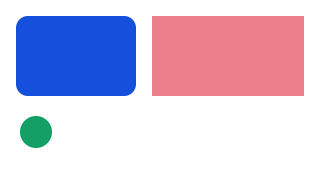
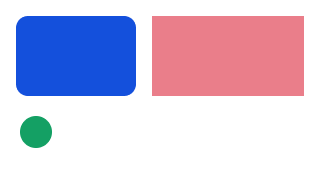
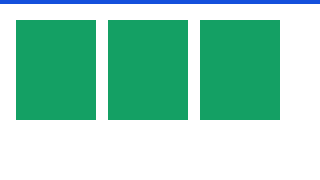
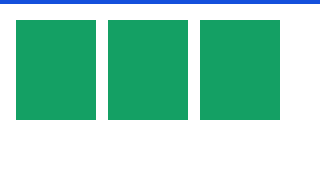
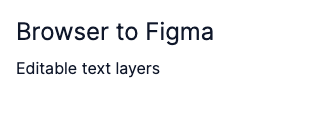
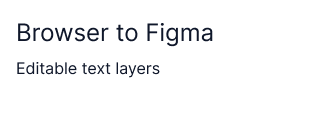
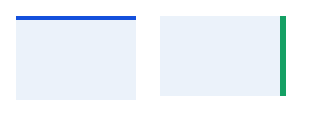
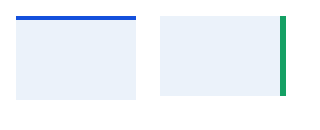
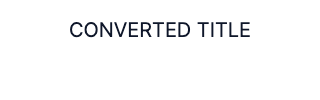
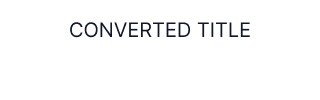
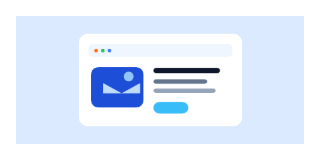
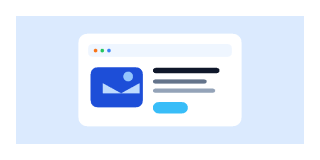
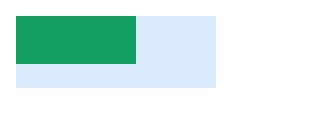
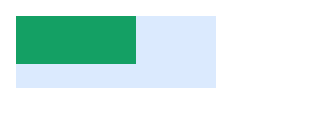
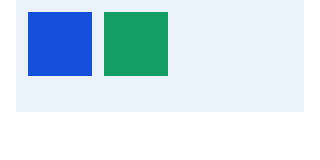
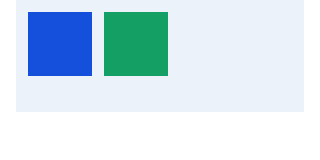
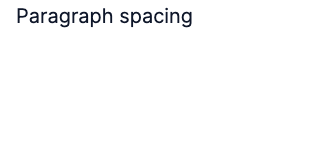
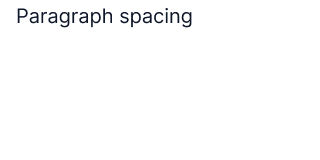
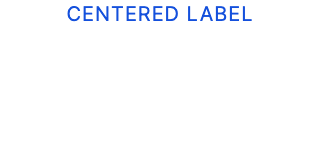
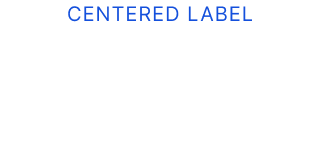
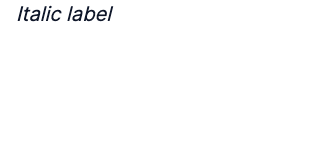
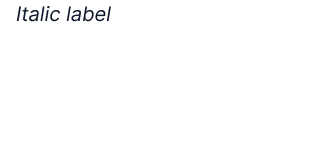
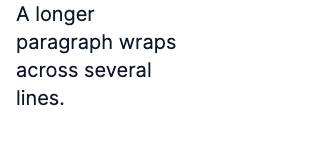
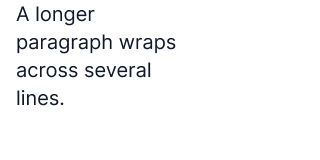
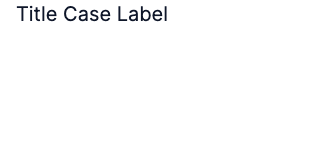
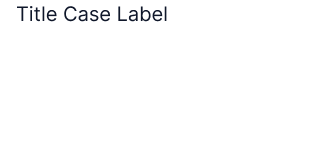
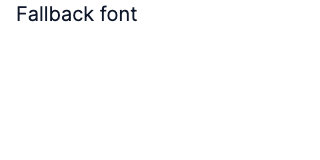
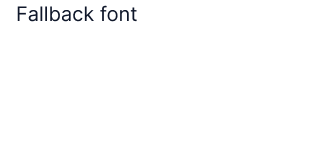
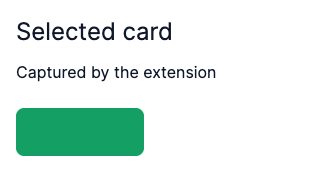
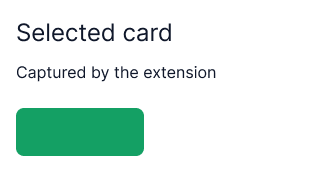
These unedited PNG exports come from the same passing 37/37 run (f6eba5e2-d5c8-4668-aef1-61d00d749f07, September 24, 2026). Each row compares the same HTML fixture at the same output size. The percentage is the measured different-pixel ratio in that run's report, not the allowed threshold. The original run artifacts remain under the ignored test-results/ directory; these are repository copies. Image URLs point to the v0.1.0 tag so they also load on npm and remain tied to this run.
| Case · measured different pixels | Chromium reference | Real Figma export |
|---|---|---|
geometry · 0.000% |
 |
 |
flex-border · 0.000% |
 |
 |
typography · 1.055% |
 |
 |
flex-reverse · 0.000% |
 |
 |
flex-absolute · 0.000% |
 |
 |
media · 0.000% |
 |
 |
edge-borders · 0.000% |
 |
 |
text-transform · 0.025% |
 |
 |
background-image · 0.031% |
 |
 |
video-poster · 0.000% |
 |
 |
flex-wrap · 0.000% |
 |
 |
shadow-dom · 0.000% |
 |
 |
| Case · measured different pixels | Chromium reference | Real Figma export |
|---|---|---|
div-radius-opacity · 0.000% |
 |
 |
div-shadow · 0.000% |
 |
 |
div-flex · 0.000% |
 |
 |
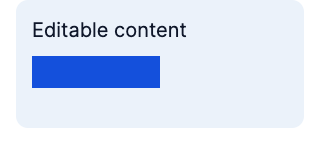
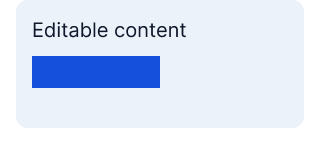
article-card · 0.025% |
 |
 |
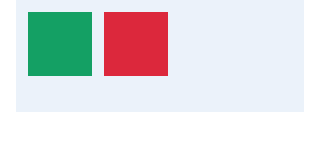
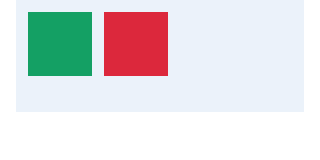
article-flex · 0.000% |
 |
 |
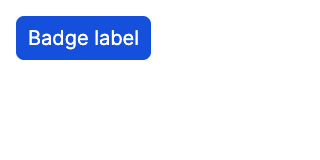
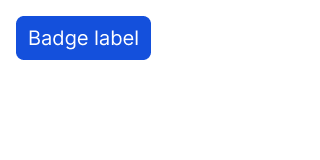
span-badge · 0.064% |
 |
 |
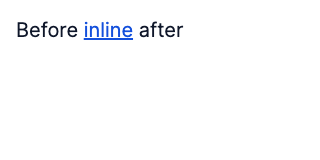
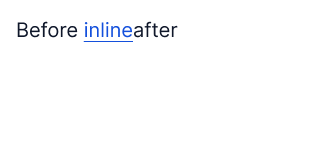
span-inline · 0.619% |
 |
 |
p-line-height · 0.037% |
 |
 |
p-centered · 0.201% |
 |
 |
p-bold · 0.020% |
 |
 |
p-italic · 0.641% |
 |
 |
p-wrap · 0.133% |
 |
 |
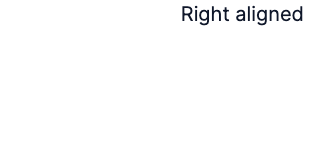
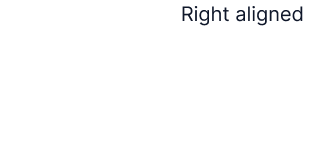
p-right · 0.043% |
 |
 |
span-strike · 0.105% |
 |
 |
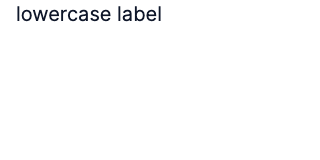
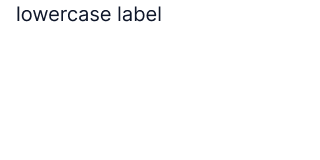
p-lowercase · 0.055% |
 |
 |
p-capitalize · 0.039% |
 |
 |
p-font-fallback · 0.016% |
 |
 |
svg-fill · 0.000% |
 |
 |
svg-stroke · 0.000% |
 |
 |
img-cover · 0.000% |
 |
 |
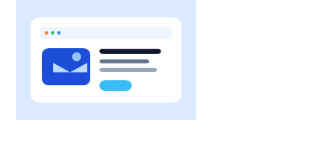
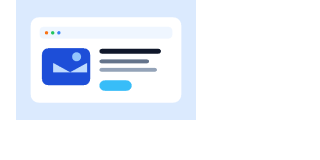
img-contain · 0.000% |
 |
 |
canvas-pixels · 0.000% |
 |
 |
canvas-opacity · 0.000% |
 |
 |
| Case · measured different pixels | Chromium reference | Real Figma export |
|---|---|---|
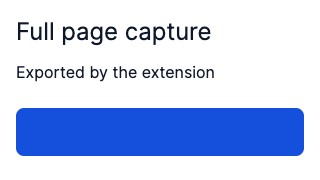
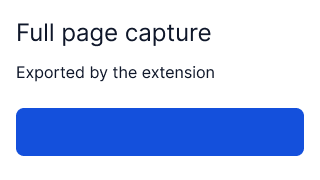
extension-page · 0.710% |
 |
 |
extension-selection · 0.655% |
 |
 |
Most non-text cases allow at most 0.1% different pixels. General text cases
allow 2% overall and 12% in the text region; span-strike uses 0.2%
overall and 2% in the text region. The per-pixel color threshold is 0.2.
These are acceptance thresholds, not a claim of perfect fidelity or exhaustive
HTML/CSS coverage. See the case definitions,
combined case definitions, and known gaps.
Run one real case with npm run test:e2e:real -- --case img-contain.
The older agent-assisted visual flow remains available through
npm run e2e:visual:prepare and npm run test:e2e:visual; see the
E2E guide.
The tables describe the current implementation. ✅ Supported applies only
to the stated scope,
| HTML element | Support | Current behavior and limits |
|---|---|---|
div, span, p, article, other visible ordinary elements |
✅ Supported (common structure/styles) | Converted to frames or rectangles with nested elements and editable text; browser defaults may differ. |
| Text nodes | Measured and mapped to editable Figma text; whitespace is collapsed and complex inline flow/font metrics can differ. | |
img, including inside picture |
Uses currentSrc; object-fit: cover and contain are mapped. Other fitting and object-position are not faithful. source is not a Figma node. |
|
Inline svg |
Serialized as SVG; local <use href="#…"> is expanded. External references and all SVG features are not guaranteed. |
|
canvas |
Captures a static PNG; export failures emit canvas-export-failed. Drawing primitives are not editable. |
|
video |
A poster becomes a static image; without one it becomes a frame with video-poster-missing. Playback is unsupported. |
|
| Open Shadow DOM | Traverses an accessible shadowRoot; closed roots are inaccessible. |
|
iframe, native form controls, media playback |
❌ Unsupported as faithful content | Outer elements may use generic conversion, but iframe contents, native control appearance/state, and playback are not converted. |
| CSS feature | Support | Current behavior and limits |
|---|---|---|
Measured geometry, solid background-color, opacity, per-corner border-radius |
✅ Supported | Fixed-size snapshot from computed CSS and browser bounds; no responsive Figma constraints. |
| Solid borders | Uniform strokes map directly. Asymmetric sides use rectangle helpers; complex corner joins and helpers on image/SVG/canvas/video nodes are not faithful. Non-solid styles emit unsupported-border-style. |
|
background-image |
One url(...) image; background-size: contain maps to fit, other sizes to fill. Gradients/multiple layers emit unsupported-background-image; repeat/position are not faithful. |
|
box-shadow |
Supported outer rgb()/rgba() shadows, including multiple shadows; inset/unparseable shadows are skipped. |
|
| Text color, family, size, weight, style, pixel line height/letter spacing, alignment, underline/strike, case | Mapped to editable text. Missing Figma fonts fall back to Inter with font-load-failed; richer typography is not equivalent. |
|
Simple display: flex / inline-flex |
Row/column no-wrap becomes fixed-size Auto Layout only if supported properties reproduce measured child positions. Reverse, wrap, reordered/positioned children, margins, or mismatches fall back to absolute positions with flex-layout-fallback. |
|
CSS Grid, transform |
❌ Unsupported | No matching Figma layout/transform; emits unsupported-css-grid or unsupported-transform. Measured bounds may remain. |
| Filters, blend modes, pseudo-elements, animations, clipping, masks, table layout, native form appearance, responsive Figma constraints | ❌ Unsupported | No faithful implementation. Not every unsupported declaration produces a warning. |
npm run release:dry-run previews the npm and GitHub release without
publishing. npm run release runs the library verification suite, then uses
release-it to update the package version, publish to npm, commit, tag,
push, and create a GitHub Release. Authenticate with npm and provide
GITHUB_TOKEN in the environment; do not store credentials in the repository.
The official npm registry is pinned in publishConfig.
The package is available on npm and GitHub. For the next release, run
npm run release and select a new version interactively.