Expensave is a free, open-source self-hosted expense tracker for personal and family budget management. Track spending, share calendars with family members, import bank statements, and monitor your finances — all on your own server.


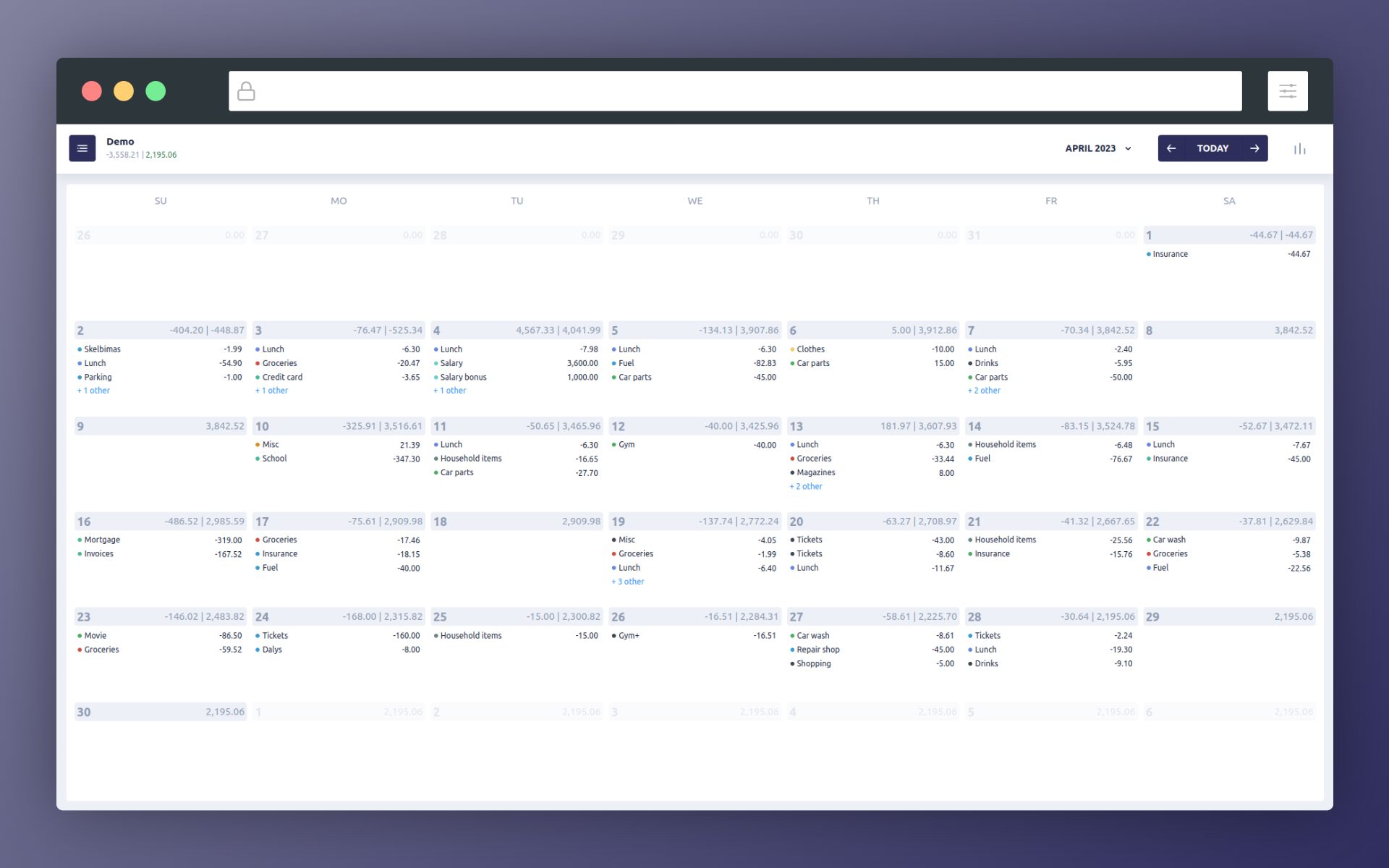
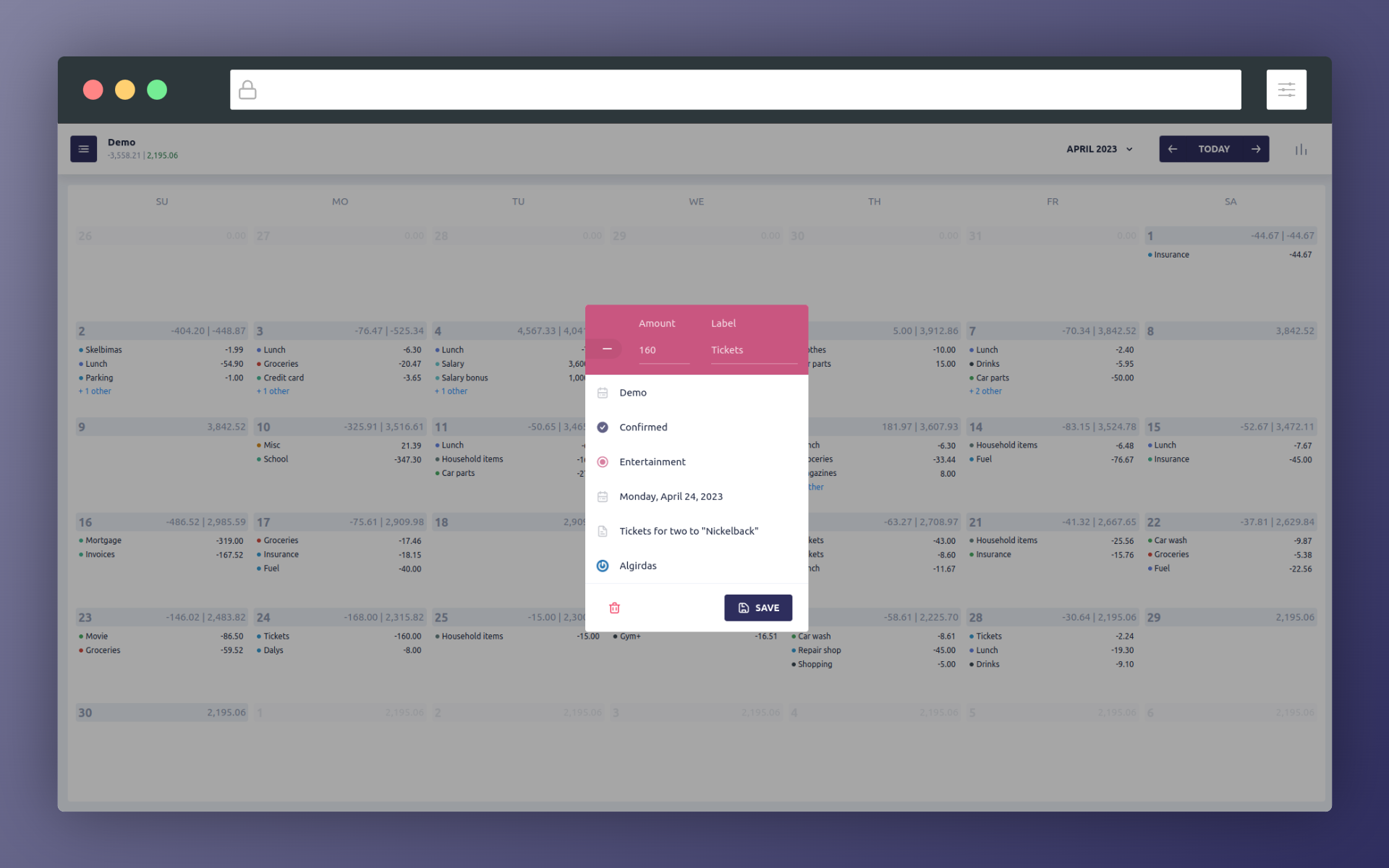
Calendar & editing: browse your timeline, review entries, and create or edit transactions.
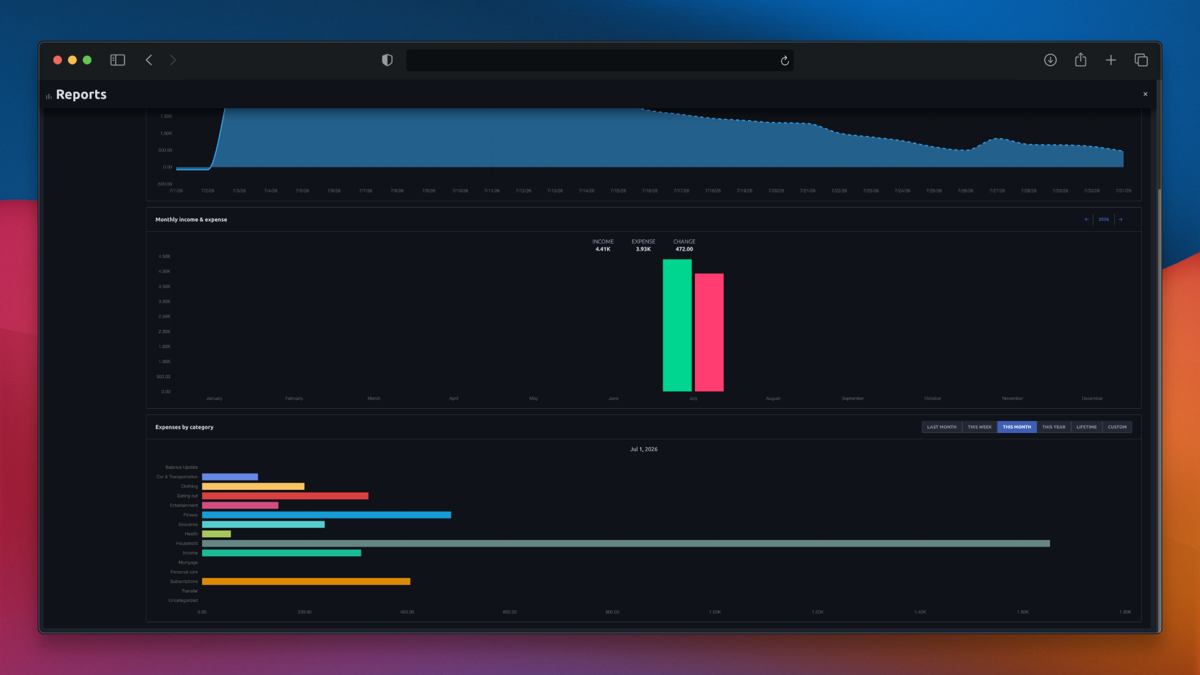
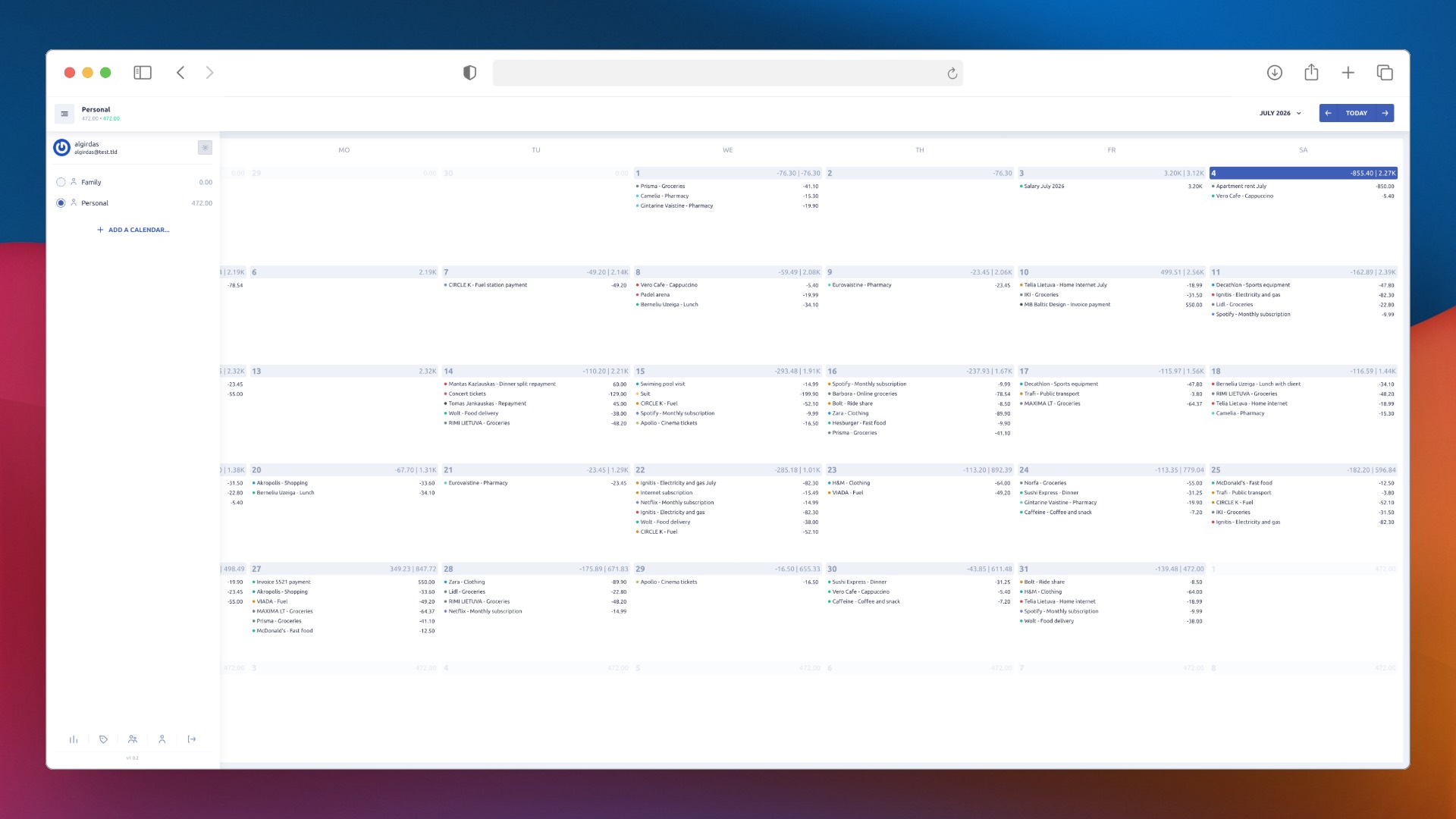
Reports & themes: analyze spending trends and use Expensave in light or dark mode.
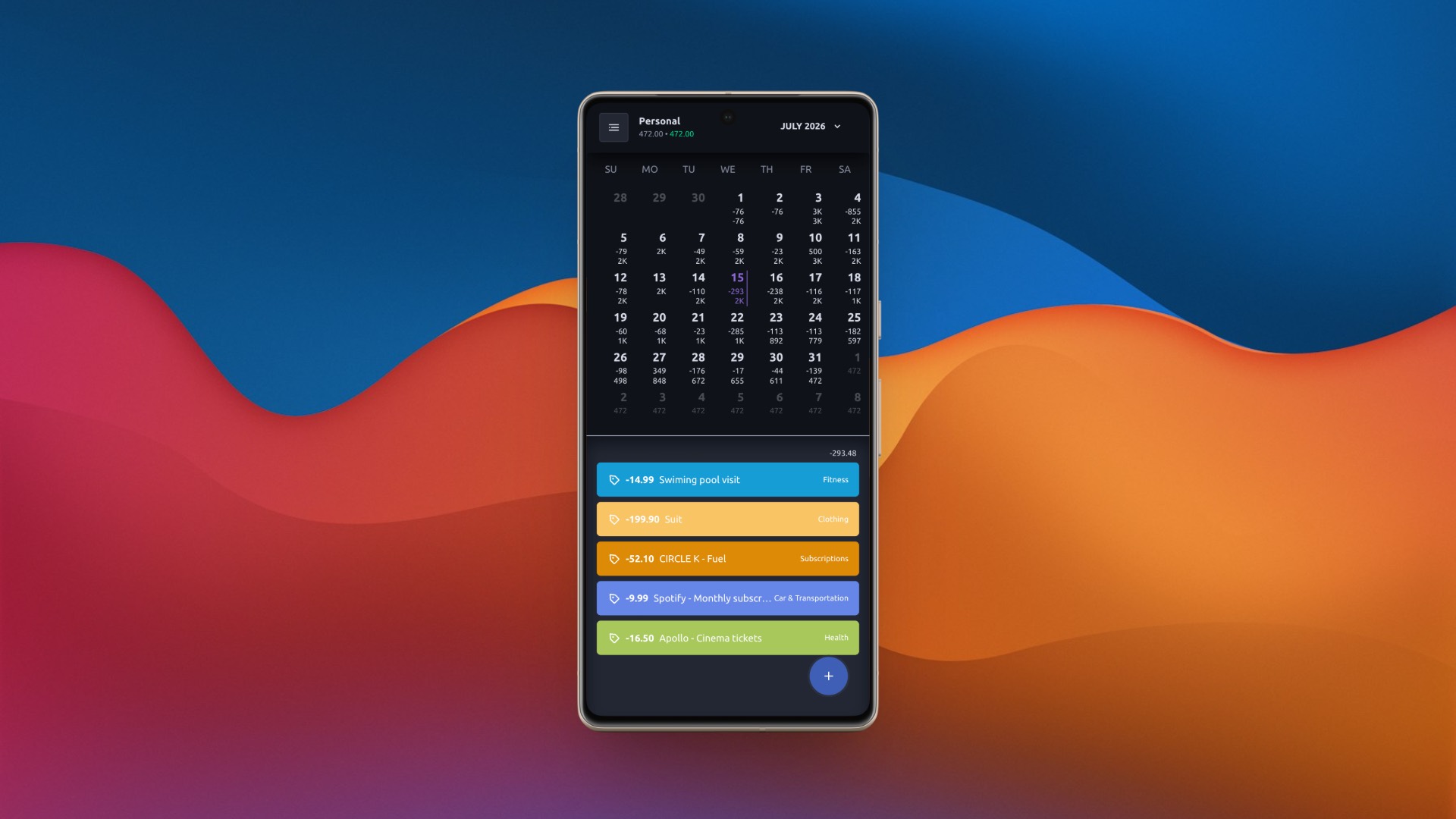
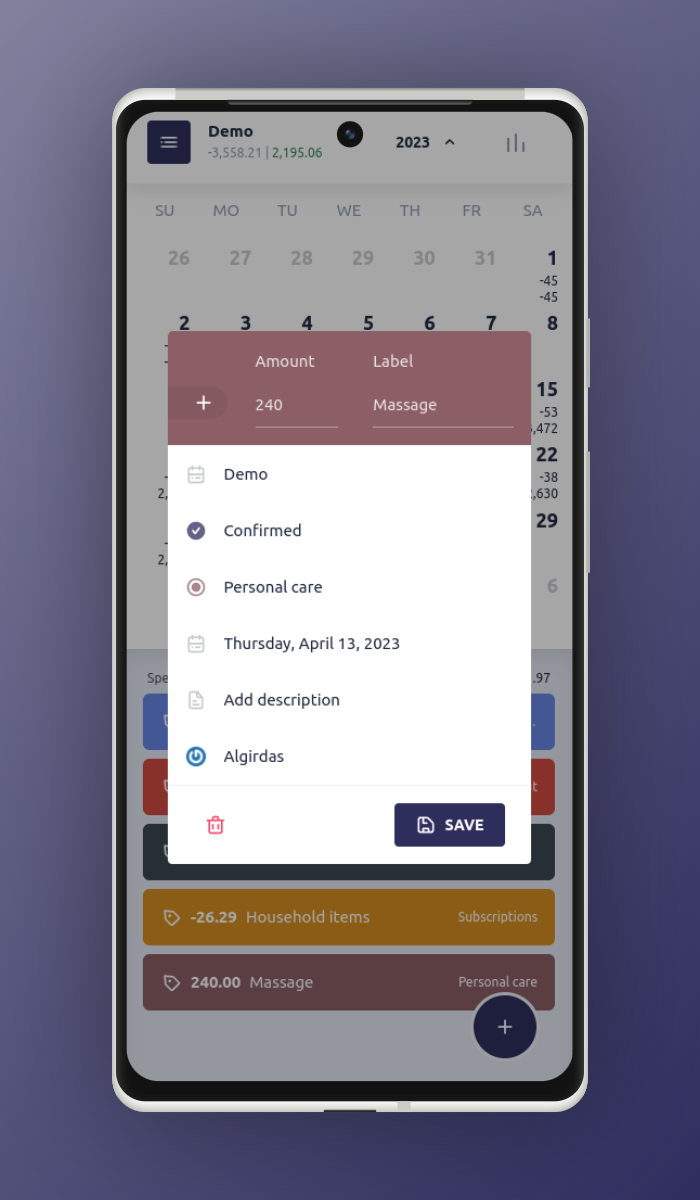

Mobile experience: manage expenses, edit entries, and review reports on smaller screens.
- 👥 Multiple user support
- 📅 Shared expense calendars between family members
- ♾️ Multiple & unlimited expense calendars
- 🔁 Recurring expenses — daily, weekly, monthly, and yearly schedules
- 🏦 Import bank statements in various formats
- 📊 Reports on spending and income habits
- 📱 Mobile PWA — installable on iOS and Android
- 🎨 Responsive design — works on desktop, tablet, and mobile
Requires Docker. Installs and starts Expensave interactively:
curl -fsSL https://expensave.app/install.sh | sudo bashThe installer will:
- Verify Docker is installed and running
- Ask whether to use default or custom settings
- Configure timezone and locale from your OS automatically
- Generate a secure database password
- Pull images and start the application
- Print the URL and credentials when done
1. Create a directory and download the compose file:
mkdir -p /opt/expensave && cd /opt/expensave
curl -fsSL https://raw.githubusercontent.com/algirdasc/expensave/main/docker-compose.yml -o docker-compose.yml
2. Create a .env file:
cat > .env <<EOF
TZ=Europe/Vilnius
LOCALE=en
REGISTRATION_DISABLED=no
EOF
3. Start:
docker compose up -dApp is available at http://localhost:18000
Useful commands:
docker compose logs -f          # view logs
docker compose pull && docker compose up -d   # update to latest
docker compose down # stopOne-click deploy on a Hostinger VPS with Docker pre-configured:

Expensave works as a Progressive Web App — install it on your phone directly from the browser, no app store required.
See wiki: Using mobile version.
Import your balance from financial institutions in various formats.
See wiki: Bank statement import.
Have a question, idea, or want to share how you use Expensave?
👉 Join the discussion on GitHub
- 💡 Ideas & feature requests — suggest what you'd like to see
- ❓ Q&A — ask questions and get help from the community
- 🗣️ Show & tell — share your setup or how you use Expensave
Found a bug or need help?
- Open an issue for bug reports
- Start a discussion for questions and ideas
Expensave is developed and maintained in my free time. If you find it useful, consider supporting the project:
- Click the Sponsor button at the top of this page
- Your support helps me dedicate more time to new features, bug fixes, and keeping the project alive
- It also lets me know that Expensave is useful to others — which means a lot
Expensave is open-source software licensed under the GNU General Public License v3.0.