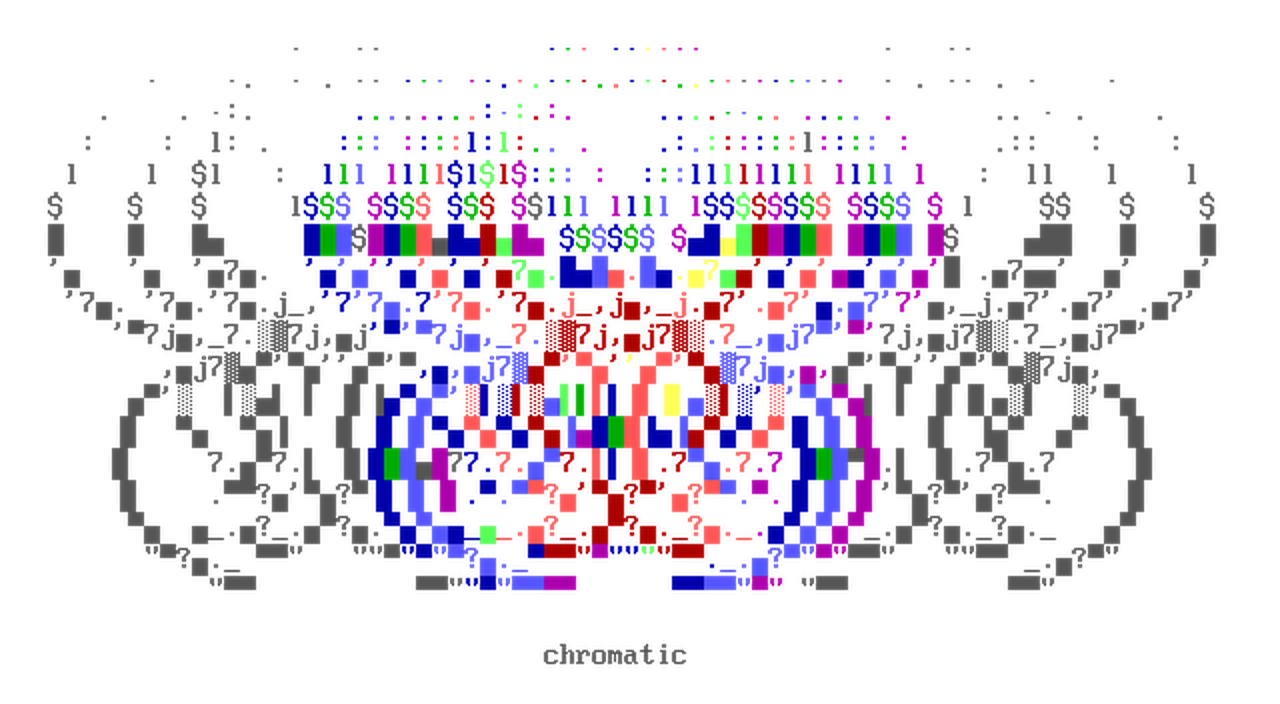


Chromatic is a library for processing and transforming ANSI escape sequences (colored terminal text).
It offers a collection of algorithms and types for a variety of use cases:
- Image-to-ASCII / Image-to-ANSI conversions.
- ANSI art rendering, with support for user-defined fonts.
- A
ColorStrtype for low-level control over ANSI SGR strings. - colorama-style wrappers (
Fore,Back,Style). - Conversion between 16-color, 256-color, and true-color (RGB) ANSI colorspace via the
colorbytestype. - Et Cetera 😲
Convert an image into a 2d ANSI string array, and render the ANSI array as image:
from chromatic.color import ansicolor4Bit
from chromatic.image import ansi2img, img2ansi
from chromatic.data import userfont, butterfly

input_img = butterfly()
font = userfont['vga437']

# `char_set` is used to translate luminance to characters
#            | <- index 0 is the 'darkest'
char_set = r"'·,•-_→+<>ⁿ*%⌂7√Iï∞πbz£9yîU{}1αHSw♥æ?GX╕╒éà⌡MF╝╩ΘûǃQ½☻Ŷ┤▄╪║▒█"
#                                           index -1 is the 'brightest' -> |

# returns list[list[ColorStr]]
ansi_array = img2ansi(
	input_img,
	font,
	sort_glyphs=False,	# map `char_set` as-is
	char_set=char_set,
	ansi_type=ansicolor4Bit,
	factor=200,
)

# print your image to stdout
print(*map(''.join, ansi_array), sep="\x1b[0m\n")

# returns a PIL.Image.Image object
ansi_img = ansi2img(ansi_array, font, font_size=16)
ansi_img.show()from chromatic import ColorStr
base_str = 'hello world'
red_fg = ColorStr(base_str, 0xFF0000, ansi_type='8b')
assert red_fg.base_str == base_str
assert red_fg.rgb_dict == {'fg': (0xFF, 0, 0)}
assert red_fg.ansi == b'\x1b[38;5;196m'ColorStr will parse raw SGR sequences, and accepts different types for fg and bg:
from chromatic import ColorStr

red_fg = ColorStr('[*]', 0xFF0000, ansi_type='8b')

assert red_fg == ColorStr(b"\x1b[38;5;196m[*]")
assert red_fg == ColorStr('[*]', fg=(0xFF, 0, 0), ansi_type='8b')
ANSI color format can be specified with ColorStr(ansi_type=...), or as a new object via ColorStr.as_ansi_type():
from chromatic import ColorStr, ansicolor4Bit, ansicolor24Bit, ansicolor8Bit

# each colorbytes type has an alias that you can use
assert all(
	ansi_type.alias == alias
	for ansi_type, alias in [
        (ansicolor4Bit, '4b'),
		(ansicolor8Bit, '8b'),
		(ansicolor24Bit, '24b'),
	]
)

truecolor = ColorStr('*', 0xFF0000, ansi_type=ansicolor24Bit)
a_16color = truecolor.as_ansi_type(ansicolor4Bit)

assert a_16color == truecolor.as_ansi_type('4b')
assert truecolor.ansi_format is ansicolor24Bit and truecolor.ansi == b'\x1b[38;2;255;0;0m'
assert a_16color.ansi_format is ansicolor4Bit and a_16color.ansi == b'\x1b[31m'
Adding and removing SGR parameters from a ColorStr:
import chromatic as cm

regular_str = cm.ColorStr('hello world')

assert regular_str.ansi == b''

bold_str = regular_str.bold()

assert bold_str.ansi == b'\x1b[1m'

# use ColorStr.update_sgr() to remove and add SGR values
unbold_str = bold_str.update_sgr(cm.SgrParameter.BOLD)

assert unbold_str == regular_str
assert bold_str == unbold_str + cm.SgrParameter.BOLD # __add__ can also be usedInstall the package using pip:
pip install chromatic-pythonBanner artwork: main rules by Crasher (2002)