Most LED-matrix libraries get you a scrolling "Hello, World" and stop. I built ScrollKit for what comes next: over-the-air updates to boards in the field, fault-tolerant data refresh, real transitions and effects, and a built-in web server users control from a browser. The hard part isn't any single feature. It's running all of them at once on a microcontroller without the display stuttering. It also runs on a desktop simulator I wrote that exports its own GIFs and videos, like the one below.
Built by Michael Czeiszperger
📖 Full documentation: scrollkit.dev
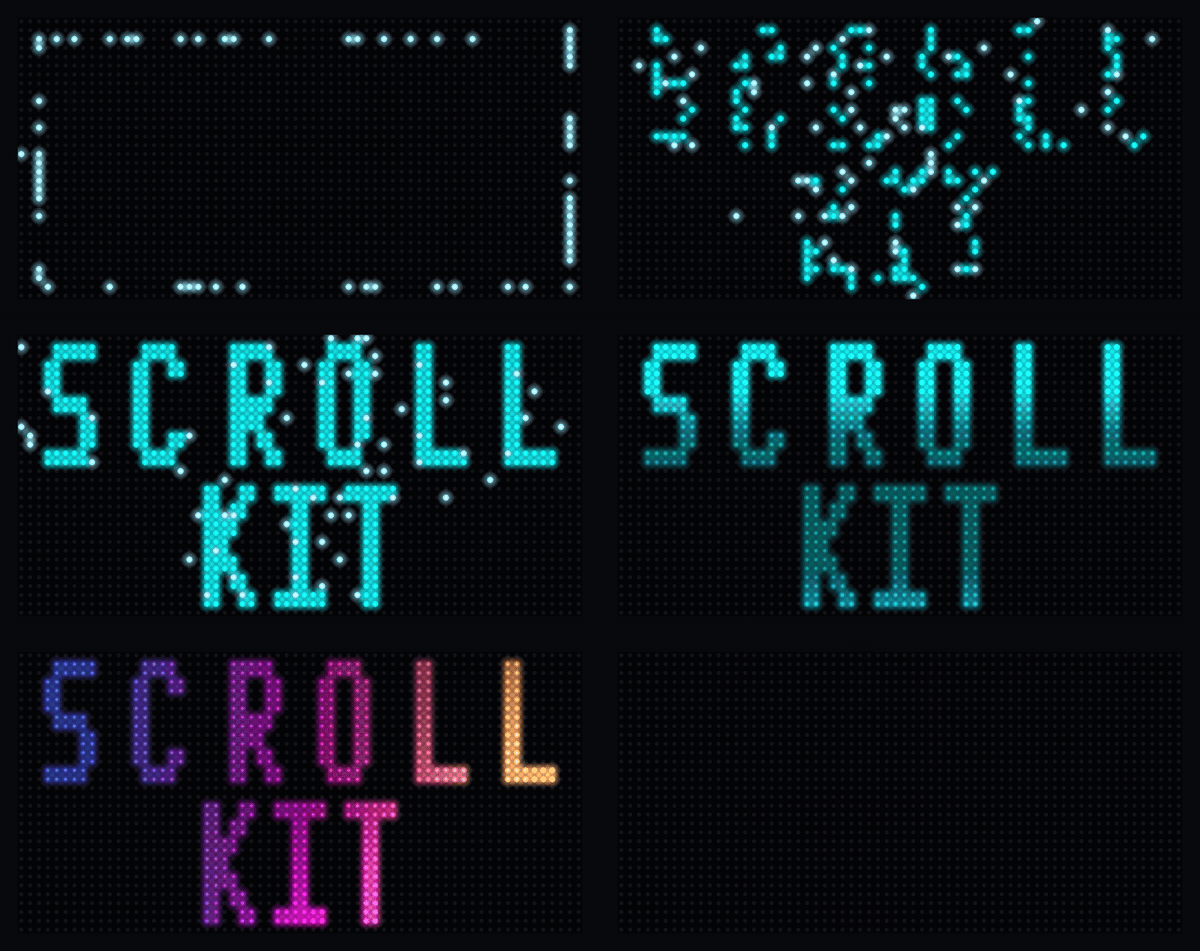
# Desktop development with simulator
pip install "scrollkit[simulator]"

# To modify ScrollKit itself (or run the demos): clone and install editable
git clone https://github.com/czei/scrollkit.git
cd scrollkit && pip install -e ".[simulator]"

# CircuitPython — copy scrollkit/ to your device's lib/ alongside your sourceimport asyncio
from scrollkit.app.base import ScrollKitApp
from scrollkit.display.content import ScrollingText
class HelloWorldApp(ScrollKitApp):
async def setup(self):
self.content_queue.add(
ScrollingText("Hello, LED Matrix!", y=12, color=0x00AAFF))
asyncio.run(HelloWorldApp().run()) # auto-detects MatrixPortal hardware vs desktop simulatorThe top-level
scrollkitpackage deliberately performs no imports (every import costs RAM on CircuitPython), so you always import from submodules, e.g.from scrollkit.app.base import ScrollKitApp. See the getting-started guide for the fullScrollKitApp/UnifiedDisplayAPI.
ScrollKit runs unchanged on the MatrixPortal S3 (CircuitPython) and a desktop
pygame simulator. Your app subclasses ScrollKitApp and talks to one display
abstraction; the library picks a backend at import time and brokers every external
system the sign touches:
flowchart TB
    app["Your app<br/>(subclasses ScrollKitApp)"] --> core["ScrollKitApp · UnifiedDisplay<br/>ContentQueue · effects · config"]
    core -->|CircuitPython| hw["MatrixPortal S3<br/>displayio → RGBMatrix panel"]
    core -->|desktop| sim["pygame simulator"]
    core <-->|HttpClient — synchronous| api(["HTTP data API"])
    core <-->|SettingsWebServer| browser(["Browser config UI"])
    core -->|raw.githubusercontent.com| gh(["GitHub OTA"])
Subsystem dependencies (dashed = lazy import; dev and simulator are
desktop-only, raising ImportError on the device):
flowchart LR
    app["app"] --> display["display"]
    app --> config["config"]
    app -.->|lazy| utils["utils"]
    app -.->|lazy| effects["effects"]
    app -.->|lazy| web["web"]
    effects --> display
    display -.->|desktop| simulator["simulator"]
    config -.->|lazy| utils
    network["network"] --> config
    network --> utils
    ota["ota"] --> exceptions["exceptions"]
    dev["dev"] --> display
    dev --> effects
    dev --> simulator
    classDef desktop stroke-dasharray:6 4;
    class dev,simulator desktop;
See the Architecture guide for the full write-up, including the invariants this graph enforces.
scrollkit/
├── app/               # ScrollKitApp base class, async run loop, memory helpers
├── display/           # UnifiedDisplay (auto-detects hardware vs simulator), content
│   ├── unified.py                # Production display (device + desktop)
│   ├── content.py                # DisplayContent / StaticText / ScrollingText / ContentQueue / Priority
│   ├── bitmap_text.py            # Animated bitmap-font text + palette effects
│   ├── gradient_text.py          # Gradient/multi-color text fill (GradientTextLayer)
│   └── colors.py                 # Continuous 24-bit color generators
├── effects/           # Transition contract (transitions.py) + standalone splash/particle helpers
├── network/           # Networking utilities
│   ├── http_client.py            # Dual-implementation HTTP client (raises NetworkError)
│   ├── wifi_manager.py           # WiFi connection lifecycle
│   └── mdns.py                   # <hostname>.local advertising (CircuitPython; no-op on desktop)
├── config/            # Configuration management
│   └── settings_manager.py       # JSON-based persistent settings
├── ota/               # Over-the-air updates
│   ├── client.py                 # GitHub-release-based OTA client
│   ├── manifest.py               # Update manifest model
│   ├── display_progress.py       # Display-progress adapter over OTAClient
│   └── publish.py                # Host-side release publishing (desktop/CI only)
└── utils/             # Utilities
    ├── error_handler.py          # Logging and error handling
    ├── diagnostics.py            # NVM boot/crash record + reboot-loop safe-mode breaker
    ├── color_utils.py            # Named colors + settings-UI hex-string color table (no conversion helpers; int-based conversions live in display/colors.py)
    ├── system_utils.py           # NTP / HTTP-Date system clock sync
    └── url_utils.py              # URL decoding and credential loading
from scrollkit.display.unified import UnifiedDisplay
from scrollkit.display.content import ContentQueue, ScrollingText

# Create display (auto-detects CircuitPython vs desktop)
display = UnifiedDisplay(width=64, height=32)
display.initialize()

# ScrollKitApp drives this queue's render loop for you (see Quick Start above);
# add() is all a subclass's setup() typically needs to call.
queue = ContentQueue()
queue.add(ScrollingText("Scrolling text", y=12, color=0x00AAFF))from scrollkit.network.http_client import HttpClient
from scrollkit.exceptions import NetworkError
client = HttpClient()
try:
response = await client.get("https://api.example.com/data")
data = response.json()
except NetworkError as e:
print("fetch failed:", e)from scrollkit.config.settings_manager import SettingsManager
settings = SettingsManager("app_settings.json",
defaults={"hostname": "mydevice", "brightness": "0.5"},
bool_keys=["dark_mode"])
settings.set("hostname", "new-name")
settings.save_settings()from scrollkit.utils.error_handler import ErrorHandler
from scrollkit.display.colors import scale
from scrollkit.network.wifi_manager import is_dev_mode
logger = ErrorHandler("app.log")
logger.info("Application started")
color = scale(0xff0000, 0.5) # Dim red to 50%
if is_dev_mode():
print("running on desktop, not CircuitPython")| Platform | Backend | Status |
|---|---|---|
| Adafruit MatrixPortal S3 | CircuitPython + displayio | ✅ Calibrated from device |
| Desktop (macOS/Linux/Windows) | SLDK Simulator | ✅ |
| Custom CircuitPython boards | displayio / rgbmatrix | 🔌 Extensible (see Adding New Hardware) |
I wrote the first two shipping versions by hand in 2024, when all of this was still one application. Splitting it into a library and a separate app layer, then documenting the result, is the kind of project that dies quietly in a spare-time backlog. So I used Claude Code and spec-driven development to handle the refactoring and the first drafts, then went back through all of it in my own voice, with my own screenshots. Yes, AI has touched a lot of this code. It was also directed by an engineer who has shipped production software for a living, including time on one of Sun Microsystems' API teams. Both are true.
ScrollKit's over-the-air update feature was inspired by Ronald Dehuysser's micropython-ota-updater. The current implementation is ScrollKit's own manifest-based design and uses none of his code — but the idea came from his project, and it deserves the shout-out.
MIT