

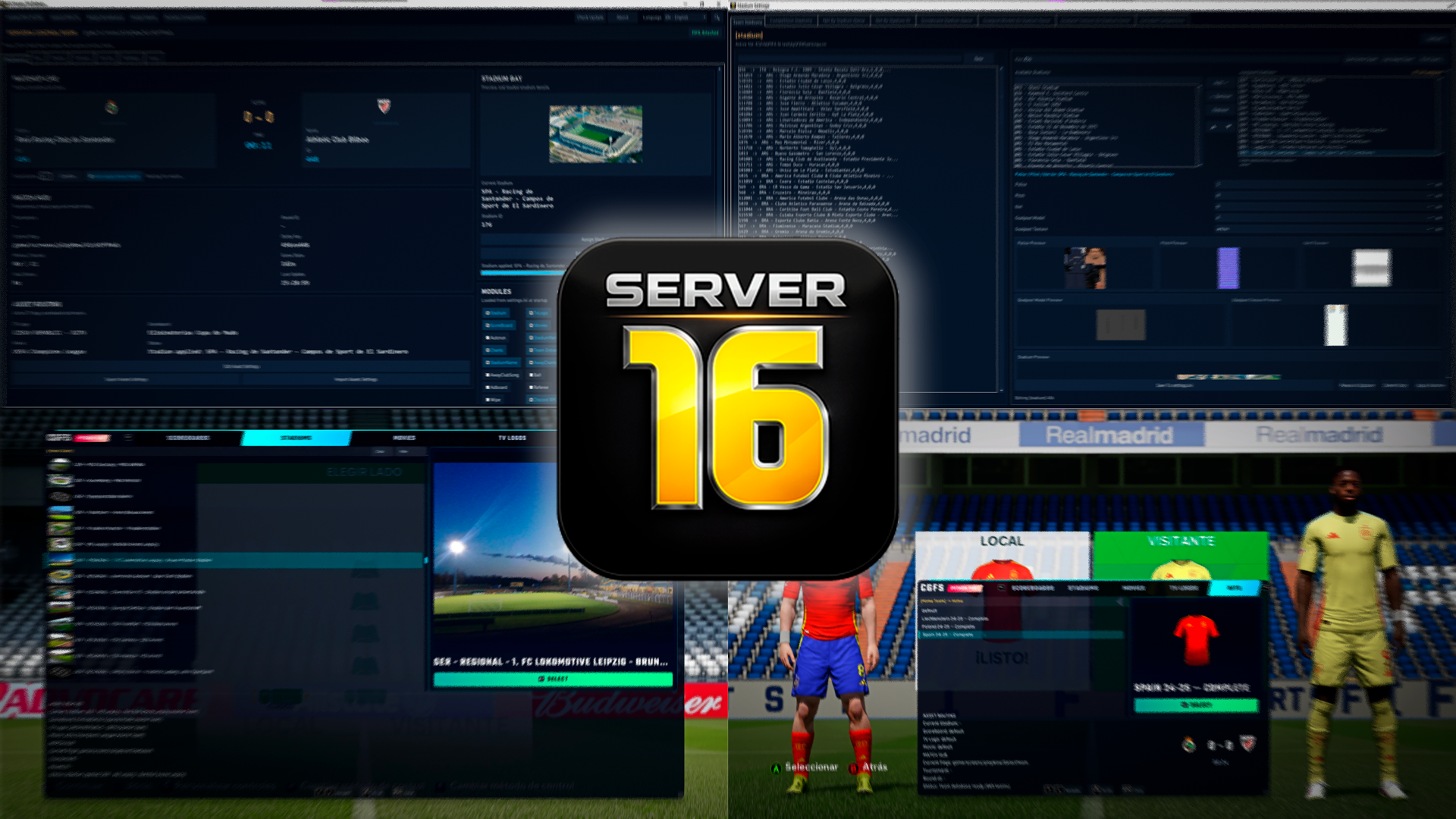
⚠ This is a fork of the original project, continued by the community after the original author stopped developing the tool.
CGFS 16 Server 16 is a Windows desktop control panel and in-game overlay for FIFA 16 modding. It watches the game's live memory state while you play and automatically swaps in the right stadium, scoreboard, TV logo, movie, chants, camera package, and kit assets for the match you're about to play — no manual file-copying or alt-tabbing required. This is a full Python rewrite of the classic Server 16 tool by shawminator, aimed at being easier for the community to maintain, fix, and extend.
Full documentation lives in the Wiki. This README is only a quick overview — every setup guide, folder layout and
settings.inireference is there.
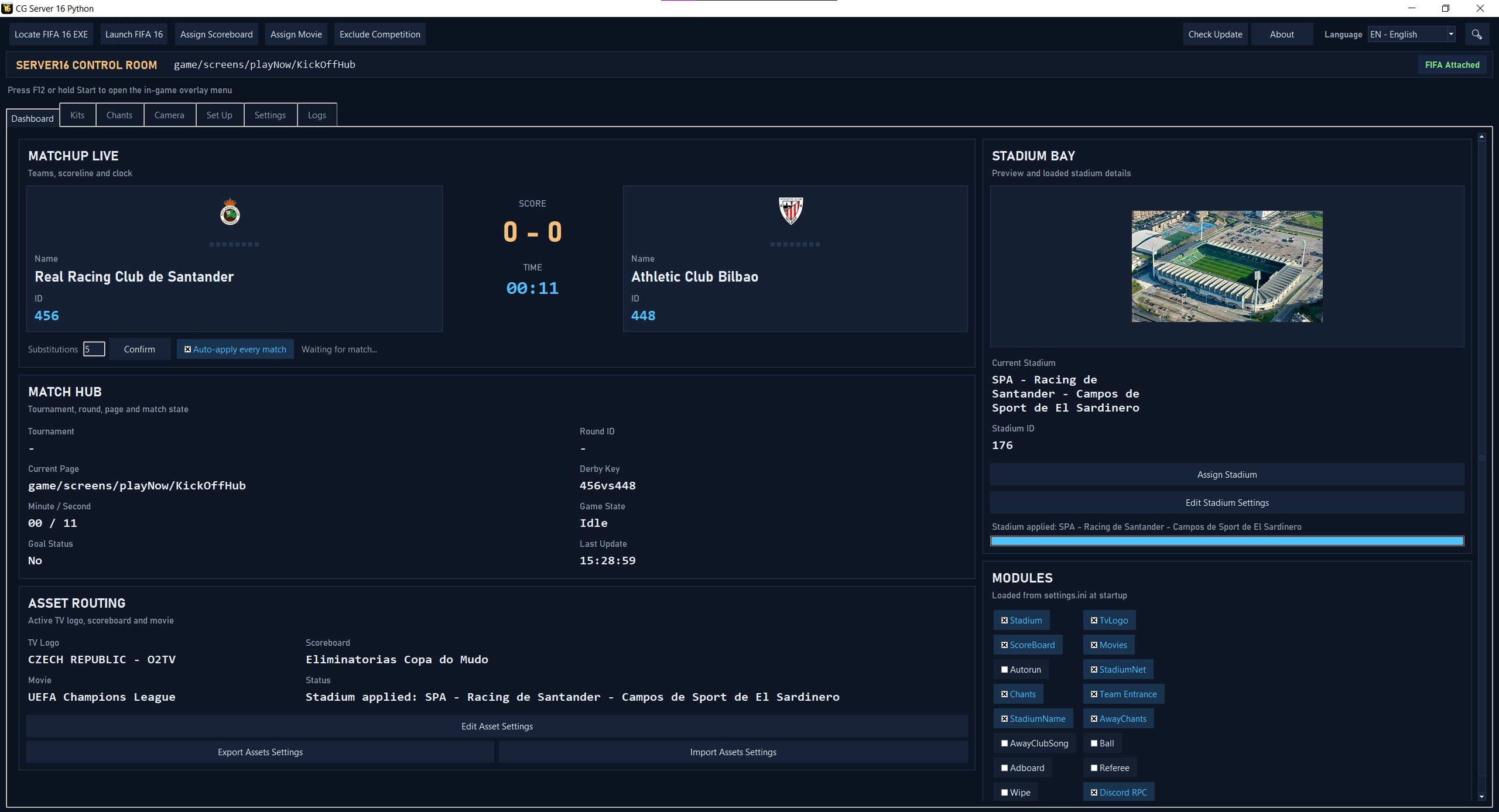
Dashboard:
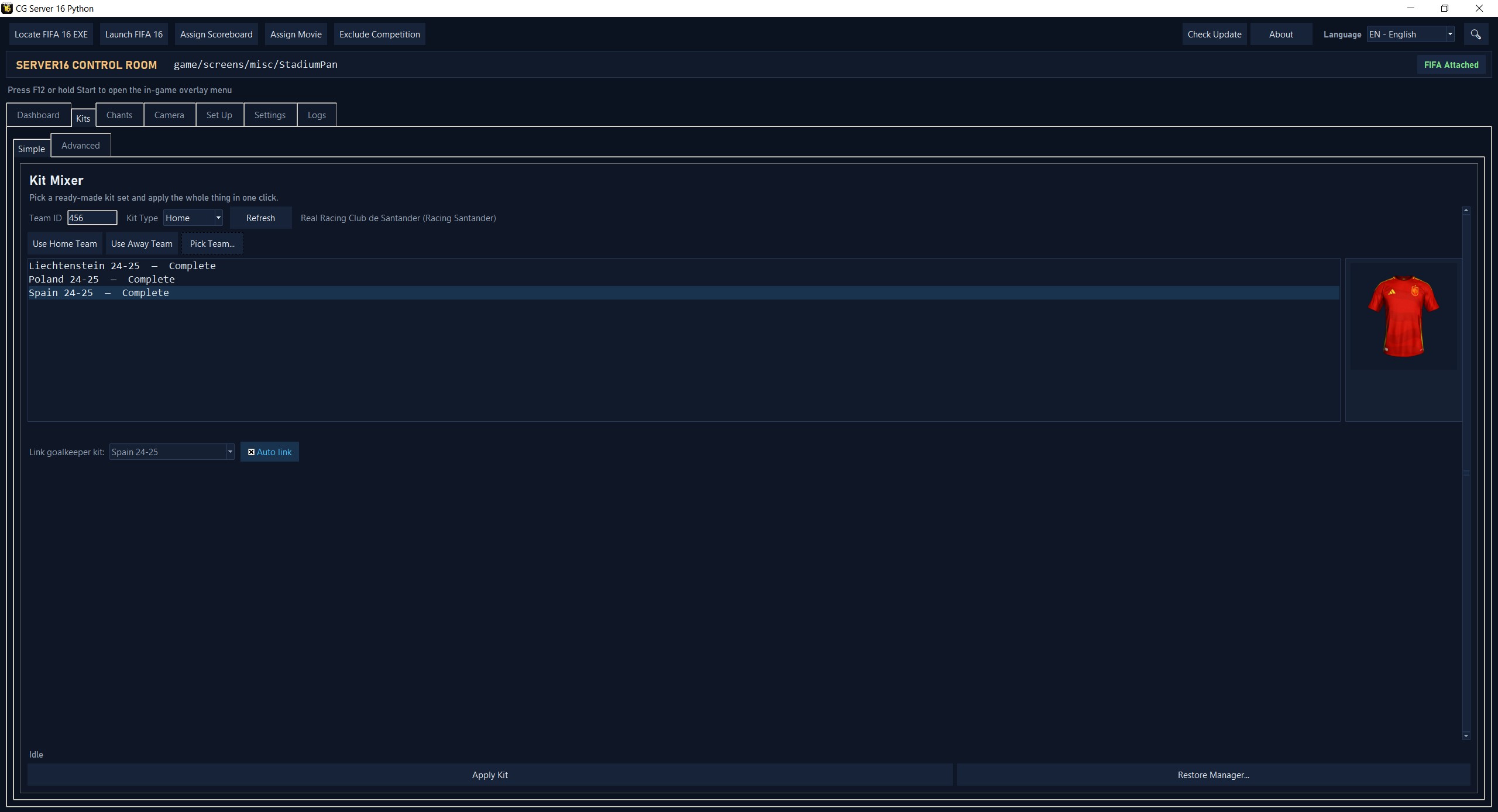
Kit server:
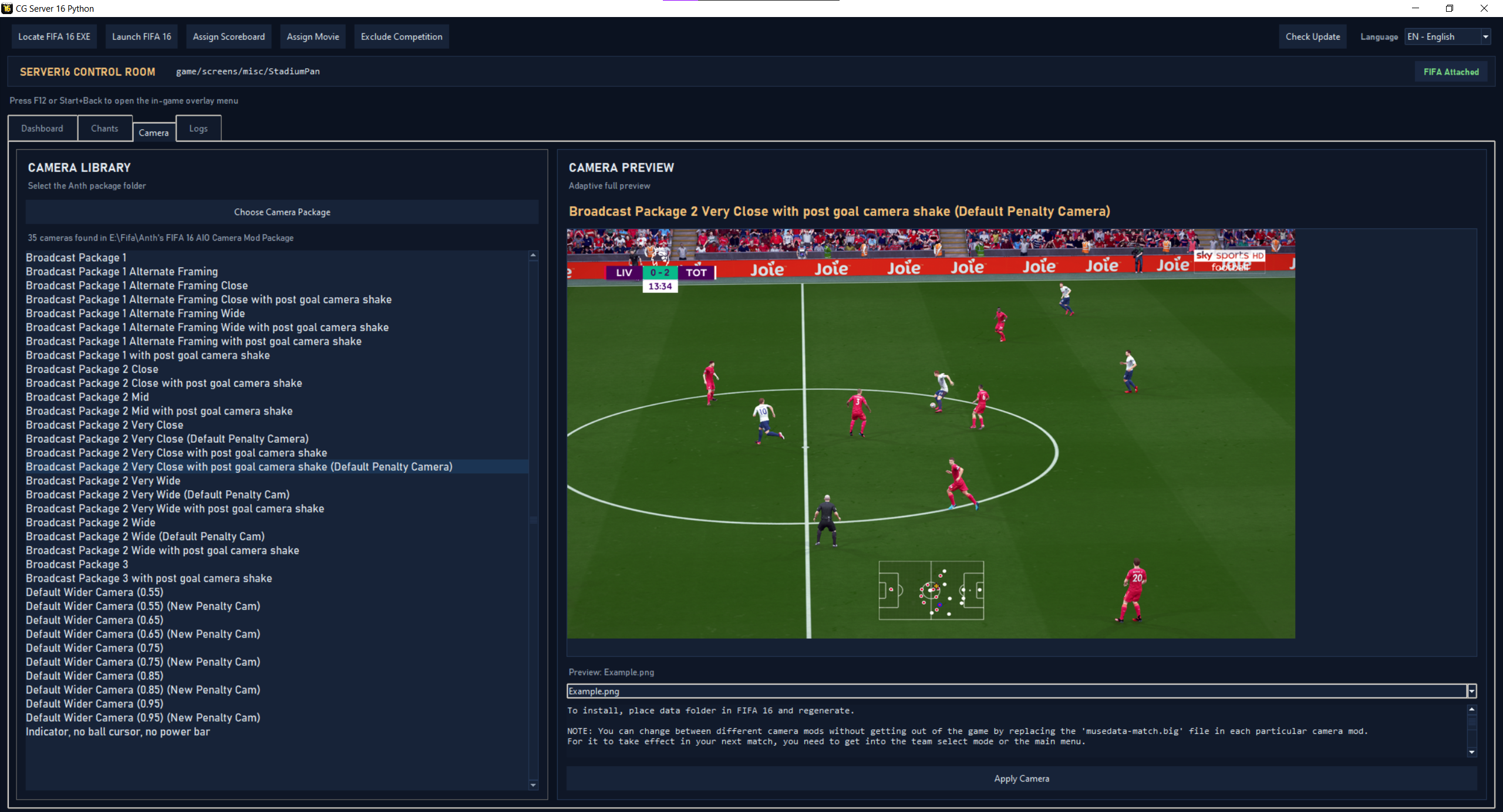
Camera library:
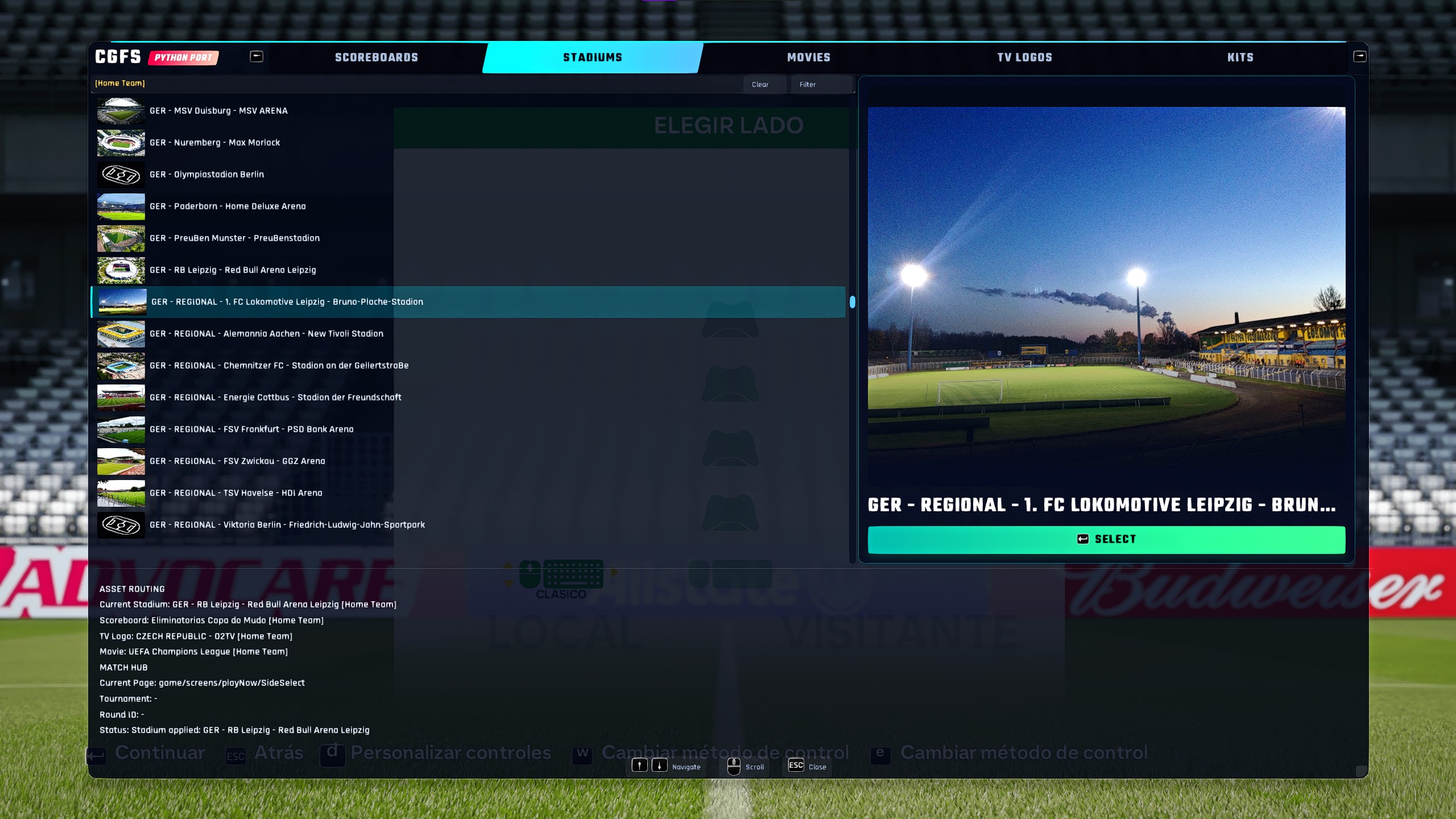
In-game overlay:
Requirements: Windows and FIFA 16 installed locally.
- Download the latest
Server16Python.exefrom Releases and run it. Point it at yourFIFA 16.exeif it isn't auto-detected. - Add an antivirus exclusion first. CGFS injects a DLL into FIFA 16 for the overlay and reads/writes the game's memory, which Windows Defender can flag as a false positive — see Antivirus / Windows Defender Warnings.
- In the Set Up tab, run Run Setup and then Regen BH (uncheck the
FSW/settings.inibox in the checklist if you've already customized your assignments). - Drop your stadium, scoreboard, chants… packs into their folders, assign them from the desktop window, launch FIFA 16 and play — the app applies them automatically.
- Press F12 in-game (or hold Start/Menu on a gamepad) to open the interactive overlay.
The ordered step-by-step version, including the Assets Extractor and troubleshooting, is in the Quick Guide and Getting Started.
- Live match-aware asset switching — reads the home team, competition and round from FIFA's memory and applies whatever you assigned by home team, round, tournament, derby (one specific fixture) or default.
- In-game interactive overlay — an RmlUi menu rendered on top of FIFA 16 (even in exclusive fullscreen), navigable with keyboard, controller or mouse, with live previews and a manual in-game stadium picker.
- Stadium management — folders or
.zip/.rararchives, multi-stadium rotations, previews, goalpost model/texture packs, shared entrance cameras, net values, custom pre-match stadium names and per-stadium gameplay cameras. - Scoreboards, TV logos & movies — per round, tournament, derby or home team, with embedded video preview for movies.
- Chants & audio — per-team chants, held goal songs, random goal-song/entrance-anthem variants and a Team Entrance walkout anthem (overridable per tournament or round).
- Kits — Kit Sets with F7–F11 in-game hotkeys (Simple) and a full Kit Mixer for jersey/shorts/numbers/thumbnail/name color (Advanced).
- Camera packages — Anth's FIFA 16 AIO Camera Mod presets applied with one click.
- Ball, Referee, Wipe & Adboard modules assignable per round.
- Gamepads bridge — translate up to 4 non-Xbox controllers into virtual Xbox 360 pads.
- Custom substitutions — raise the 3-substitution limit up to 9.
- Tools — Assets Extractor, grouped Dashboard Modules switches, Autorun, settings export/import, Discord Rich Presence.
Details for each of these: Features Overview.
Everything is in the Wiki; the Feature Index maps every feature to its setup guide.
| Topic | Pages |
|---|---|
| Start here | Quick Guide · Getting Started · Antivirus · FIFA folder layout |
| Stadiums | Folders & archives · Previews · Goalposts · Manual picker & multi-stadium · Net values · Custom name |
| Cameras | Camera packages · Gameplay cameras · Entrance camera packs |
| Scoreboards, logos & movies | Scoreboards · TV logos · Movies · Derby assignments |
| Chants & entrance | Chants audio · MP3 compatibility · Random goal songs · Team Entrance · Tournament / round entrance |
| Kits | Overview · Kit Sets · Kit Mixer |
| Ball, referee, wipe & adboard | Ball · Referee · Wipe · Adboard · Shared rules |
| Tools & gameplay | Dashboard modules · Assets Extractor · Settings export & import · Gamepads · Substitutions · Discord (also DISCORD_SETUP.md) |
| Project | Contributing · For developers |
Run from source with Python 3.10+:
python -m venv .venv
.venv\Scripts\Activate.ps1
python -m pip install --upgrade pip
python -m pip install psutil pillow pygame rarfile pypresence ffpyplayer pyinstaller
python main.py
Build the standalone executable with .\build_exe.bat (output: dist/Server16Python.exe).
Running from source also needs the native binaries in bin/ (overlay DLL/injector, 32-bit Python bridge via scripts\setup_python32.bat, etc.). The repository structure, full requirements, the 32-bit database bridge and build details are in the wiki's For Developers page; internals are documented under docs/.
Contributions are welcome — bug fixes, overlay UX, documentation, or testing on different FIFA 16 setups. Fork the repository, create a feature branch, make focused changes, test locally and open a pull request with a clear description. See Contributing for the details.
This repository is public and open for community contributions.
The goal is to preserve and evolve the FIFA 16 Server 16 experience in a modern Python codebase that is easier to maintain, improve, and extend.
Each release has its notes in this repository: v1.2.0 · v1.3.0 · v1.3.1 · v1.4.0 · v1.5.0 · v1.6.0
- Original concept and workflow: CGFS 16 Server 16 for FIFA 16
- Python port and ongoing maintenance: this community project and its contributors
- Support development: Donate via PayPal
This project is an unofficial community tool for FIFA 16 modding workflows. Use it at your own risk and always keep backups of important game and mod files.