Samples
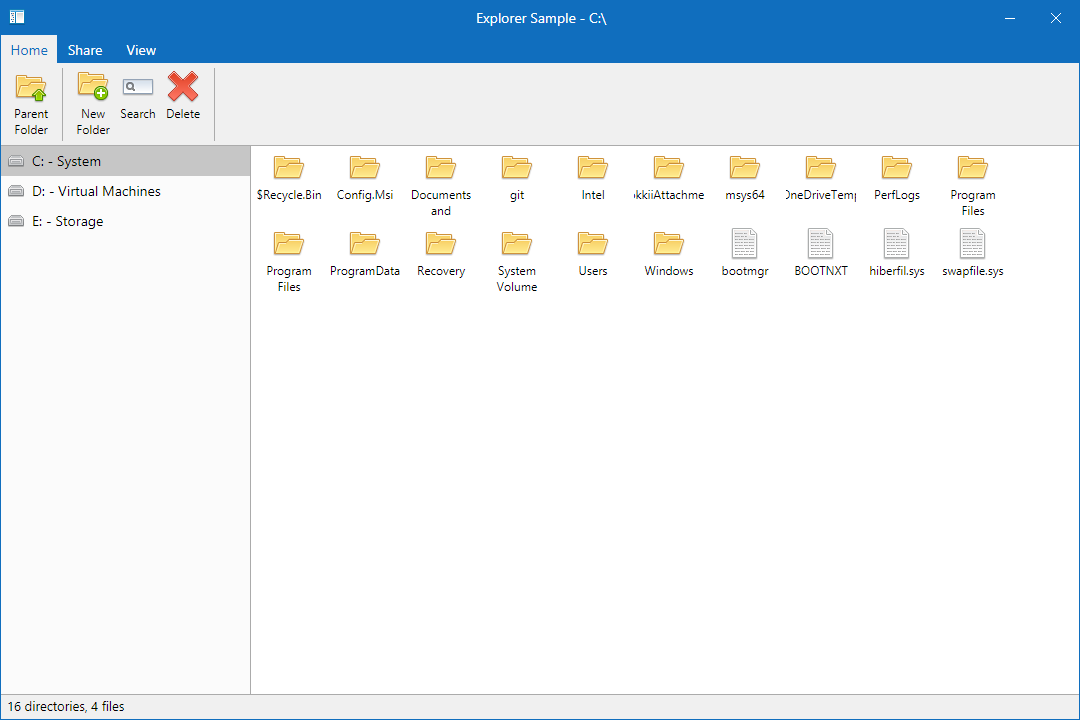
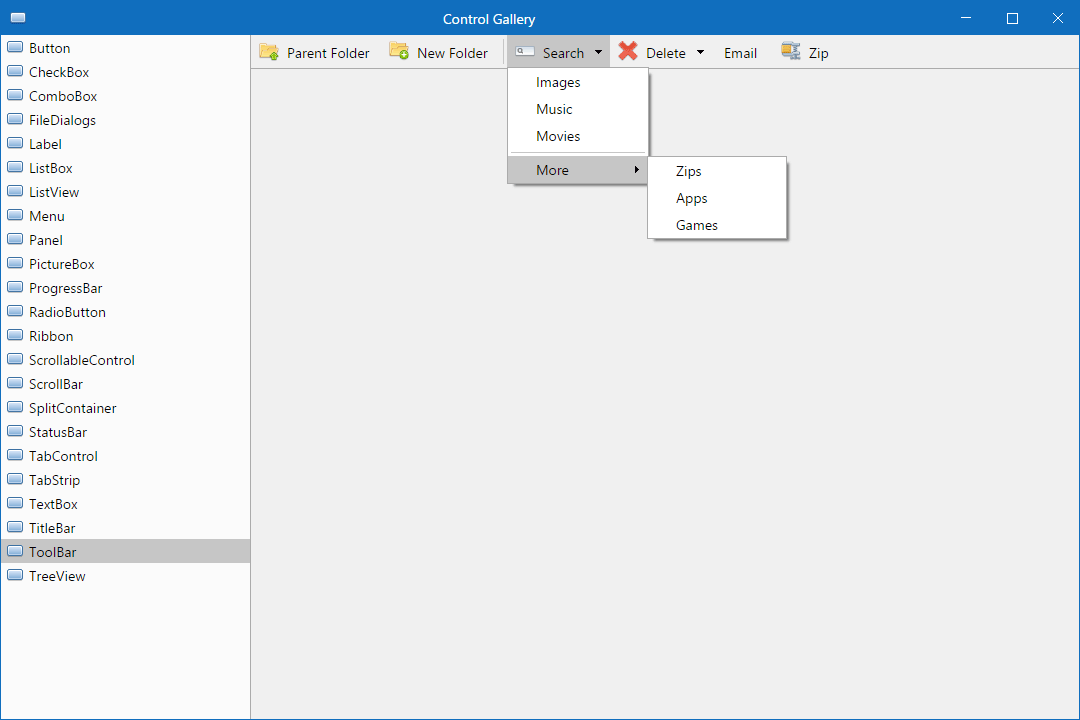
The Modern.Forms repository contains a couple of samples that can be used to easily see the toolkit in action. These samples include an Explorer/Finder like app called Explore and a gallery of the available controls that ship with Modern.Forms called ControlGallery.
After cloning this repository, there are two ways to run these samples.
Note: .NET Core 3.0+ is required to run these samples
- Go to the appropriate sample directory (
/samples/Exploreror/samples/ControlGallery) - Use
dotnet run
- Open
Modern.Forms.slnin an IDE like Visual Studio 2019 - Set
ExploreorControlGalleryas the startup project - Run/Debug (F5)