This is an nginx config for allowing computers with limited/old/no https support to browse the internet
- You'll need:
- nginx installed with the subs_filter module
- an older computer
- a newer computer
- Test it out
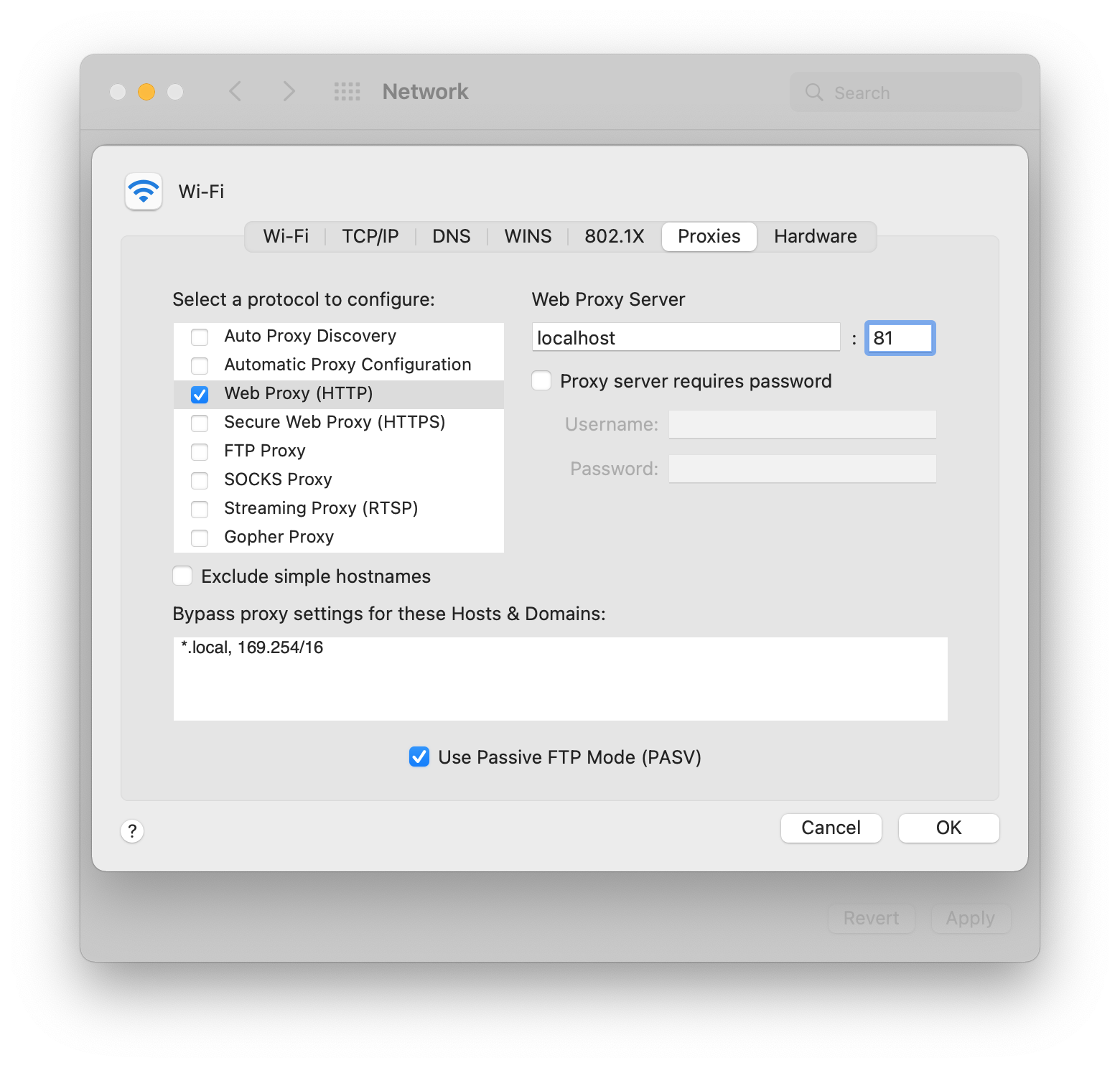
nginx -c debug.conf -p (pwd)- add a HTTP Web Proxy system wide or in your browser's settings to point to the host and port running the proxy
http-proxy.confcan be symlinked to/etc/nginx/sites-enabled/http-proxy.confon ubuntu/debian
- Currently this will naively replace all instances of
httpswithhttpin the body which could break things - Headers other than
Locationie application specific headers may not be modified to http in the response to the client
- PR's are welcome
- a more correct https proxy for clients that support https but may not have support for current cipher suites
The original implementation here had a few issues, this config adds support for:
- modifying
Locationheaders - HTTPS SNI
- more "complete" munging of https to http