Practical, runnable examples of generating PDFs with Playwright.




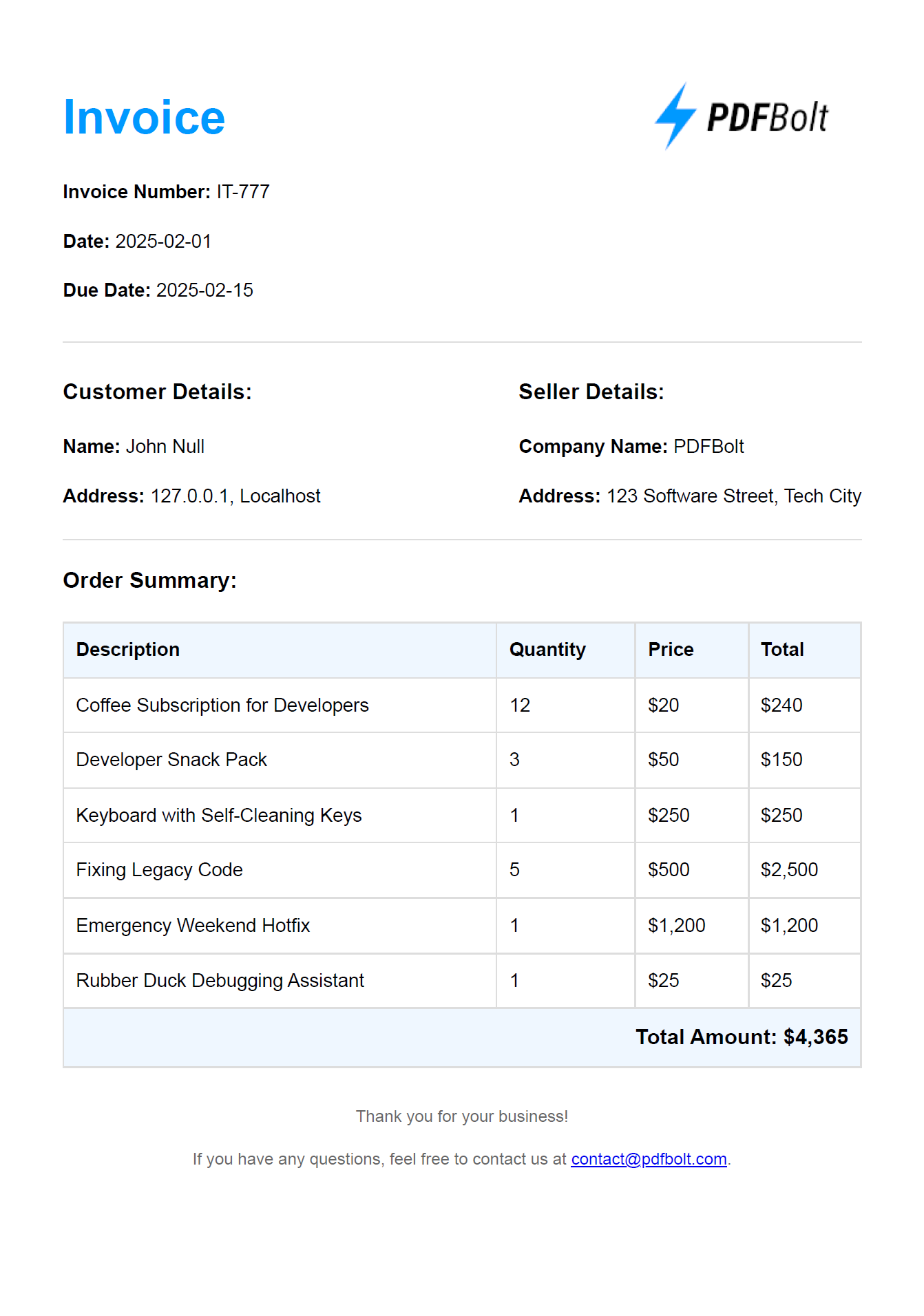
This example generates an invoice PDF using Playwright, Node.js, and EJS templates. EJS templates are HTML files with placeholders for dynamic content, so you can render the same layout with different data on each run.
invoice-generator/
├── data/                     // Data files
│   └── invoice-data.json     // Invoice data
├── templates/                // HTML templates
│   └── invoice.ejs           // EJS template for the invoice
├── generate-invoice.js       // Script that generates the PDF
└── package.json              // Project configuration
git clone https://github.com/pdfbolt/playwright-examples.gitcd invoice-generatorMake sure Node.js is installed, then run:
npm installnode generate-invoice.jsThe PDF is saved in the invoice-generator directory as:
invoice-<timestamp>.pdf
For a detailed walkthrough, see the accompanying article: How to Generate PDFs in 2025