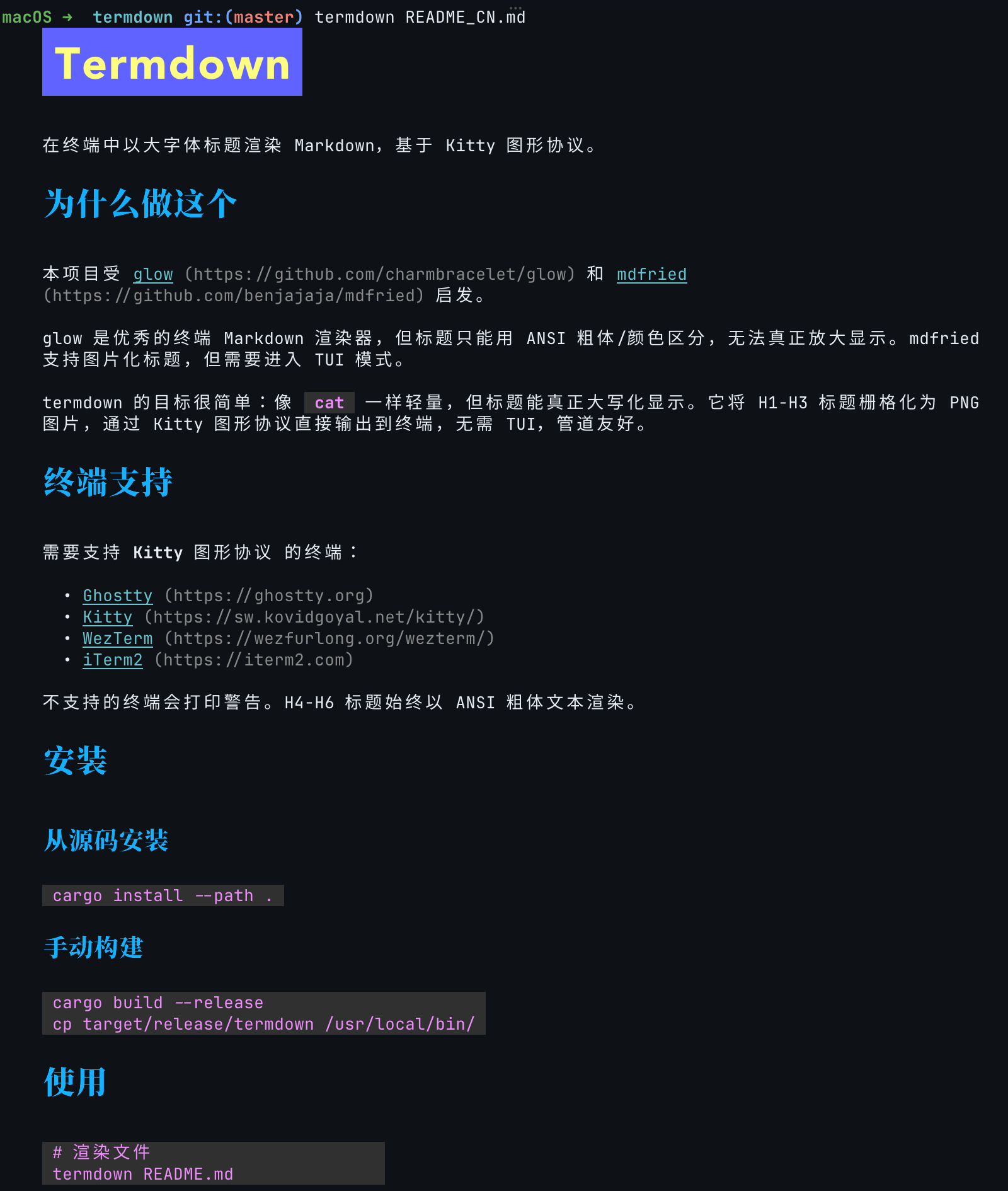
Render Markdown with large-font headings in the terminal using the Kitty graphics protocol.
 |
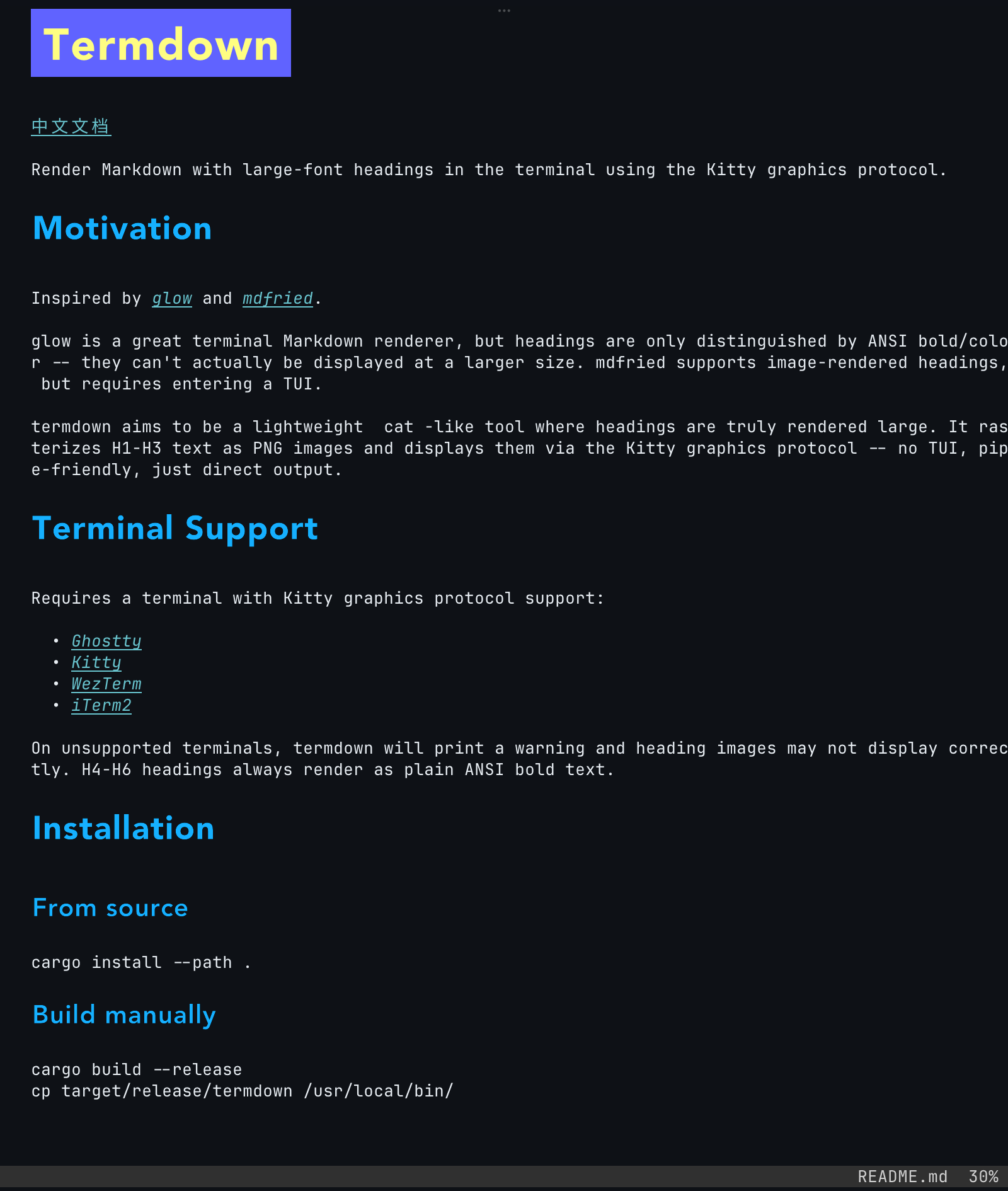 |
glow is a great terminal Markdown renderer, but headings are only distinguished by ANSI bold/color -- they can't actually be displayed at a larger size. mdfried supports image-rendered headings, but requires entering a TUI.
termdown rasterizes H1-H3 headings as PNG and paints them via the Kitty graphics protocol. Two modes share the same renderer:
- Interactive TUI (default when a file is given) -- vim-style browser with search, Table of Contents, and link-follow navigation for longer documents.
- Direct output (
--cat, or automatic when stdout is piped / input comes from stdin) -- dump rendered Markdown straight into your terminal.
H4-H6 headings always fall back to ANSI bold text.
cargo install termdownInstalls into ~/.cargo/bin/. Requires Rust 1.95+.
Linux: no
-devpackages orpkg-configare required to build — only a C toolchain (freetype is compiled from source when the system one isn't found), and fontconfig is loaded lazily at run time. For system font discovery (including CJK headings), installfontconfigplus the fonts you want (e.g.apt install fontconfig fonts-noto-cjk). Without it, termdown falls back to its bundled font.
curl -fsSL https://raw.githubusercontent.com/rrbe/termdown/master/install.sh | bashDefaults to /usr/local/bin. Override the target directory with TERMDOWN_INSTALL_DIR.
Manual download (no script)
TARGET=aarch64-apple-darwin
BASE="https://github.com/rrbe/termdown/releases/latest/download"

curl -LO "${BASE}/termdown-${TARGET}.tar.gz"
curl -LO "${BASE}/SHA256SUMS"
grep "termdown-${TARGET}.tar.gz" SHA256SUMS | shasum -a 256 -c -

tar xzf "termdown-${TARGET}.tar.gz"
sudo mv termdown /usr/local/bin/cargo install --git https://github.com/rrbe/termdowncurl -fsSL https://raw.githubusercontent.com/rrbe/termdown/master/uninstall.sh | bashManual uninstall
rm $(which termdown)
rm -rf ~/.config/termdown# Open a file in the interactive TUI (default)
termdown README.md
# Plain cat-style output (non-interactive, pipe-friendly)
termdown --cat README.md
cat notes.md | termdown
# Pick a theme; show help
termdown --theme light README.md
termdown --help
# Live preview: re-render on every save (edit in your editor, watch here)
termdown --watch notes.mdThe full CLI reference, TUI key bindings, configuration, and known issues live in the Usage Guide. Configuration is optional and lives at ~/.config/termdown/config.toml -- see config.example.toml for every default.
Requires a terminal with Kitty graphics protocol support:
On unsupported terminals, termdown prints a warning and heading images may not display correctly. H4-H6 headings always render as plain ANSI bold text.