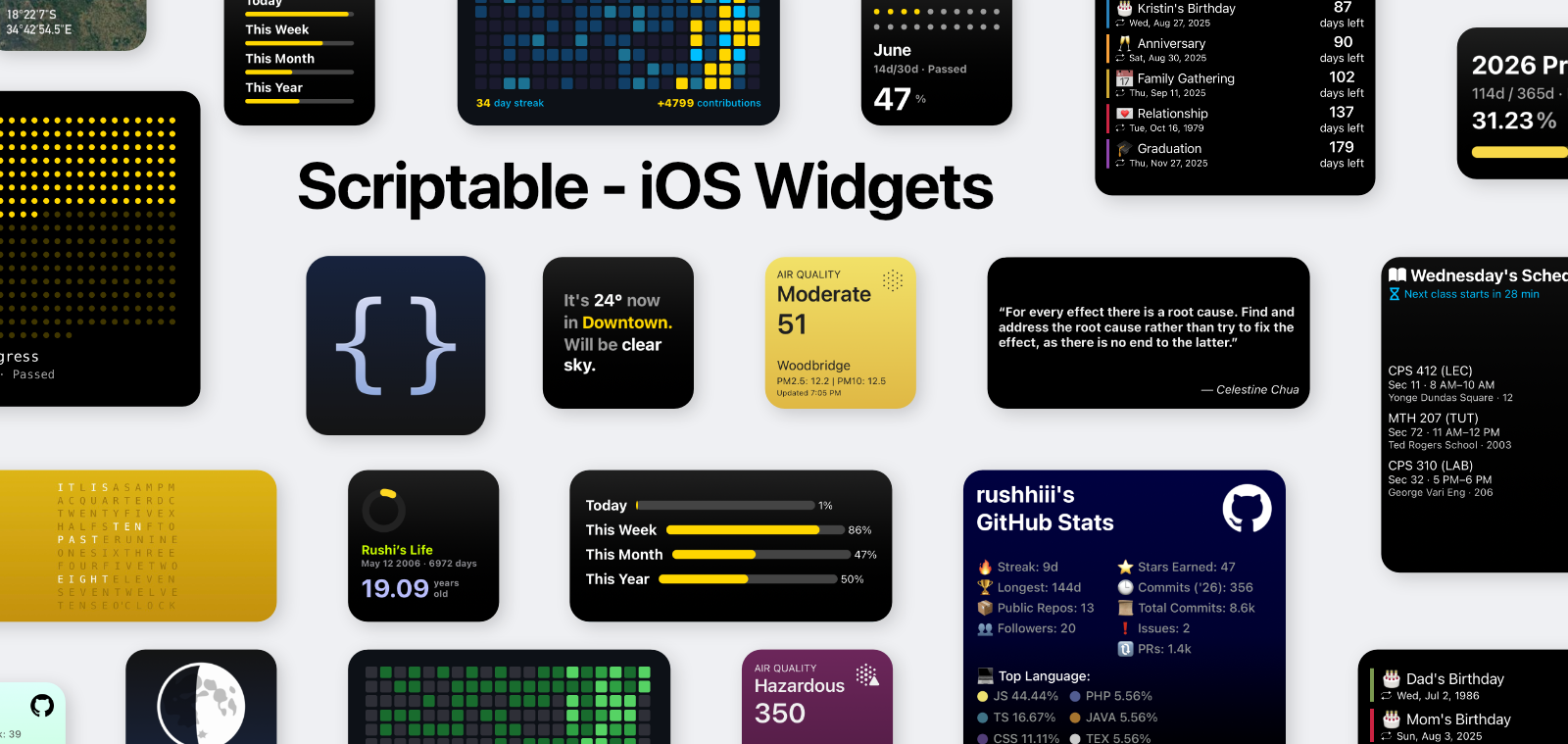












A curated collection of modern Scriptable widgets for iOS home screens. The goal is simple: practical widgets that look good, stay fast, and are easy to customize.
- User-friendly setup for non-devs
- Deep customization for advanced users
- Full documentation site for installation, usage, and troubleshooting
- Covers daily utility use-cases: weather, AQI, countdowns, schedule, quotes, and dev stats.
- Includes both lightweight local modes and API-backed dynamic modes.
- Keeps widgets organized by folder, each with dedicated setup notes and screenshots.
- Documentation: scriptablehub.vercel.app/docs
- Widgets docs index: scriptablehub.vercel.app/docs/widgets
- Changelog: scriptablehub.vercel.app/docs/changelog
- Shareable profile: shareable.vercel.app/user/876239dd-7775-4992-af92-25528d41e8b9
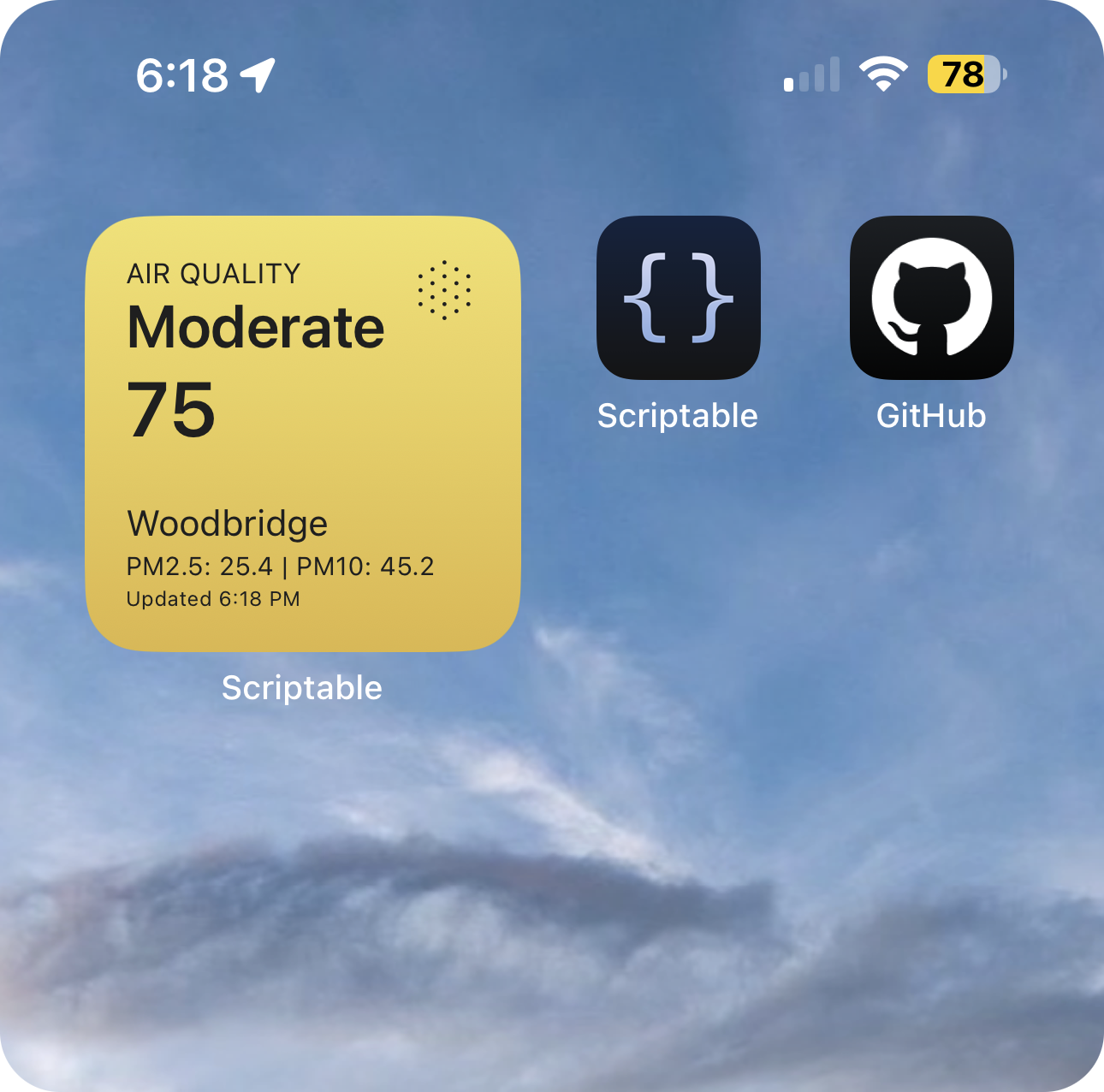
Real-time air quality and weather data with EPA-standard AQI color coding, automatic location detection, and adaptive themes. Dual-mode display for AQI or temperature.
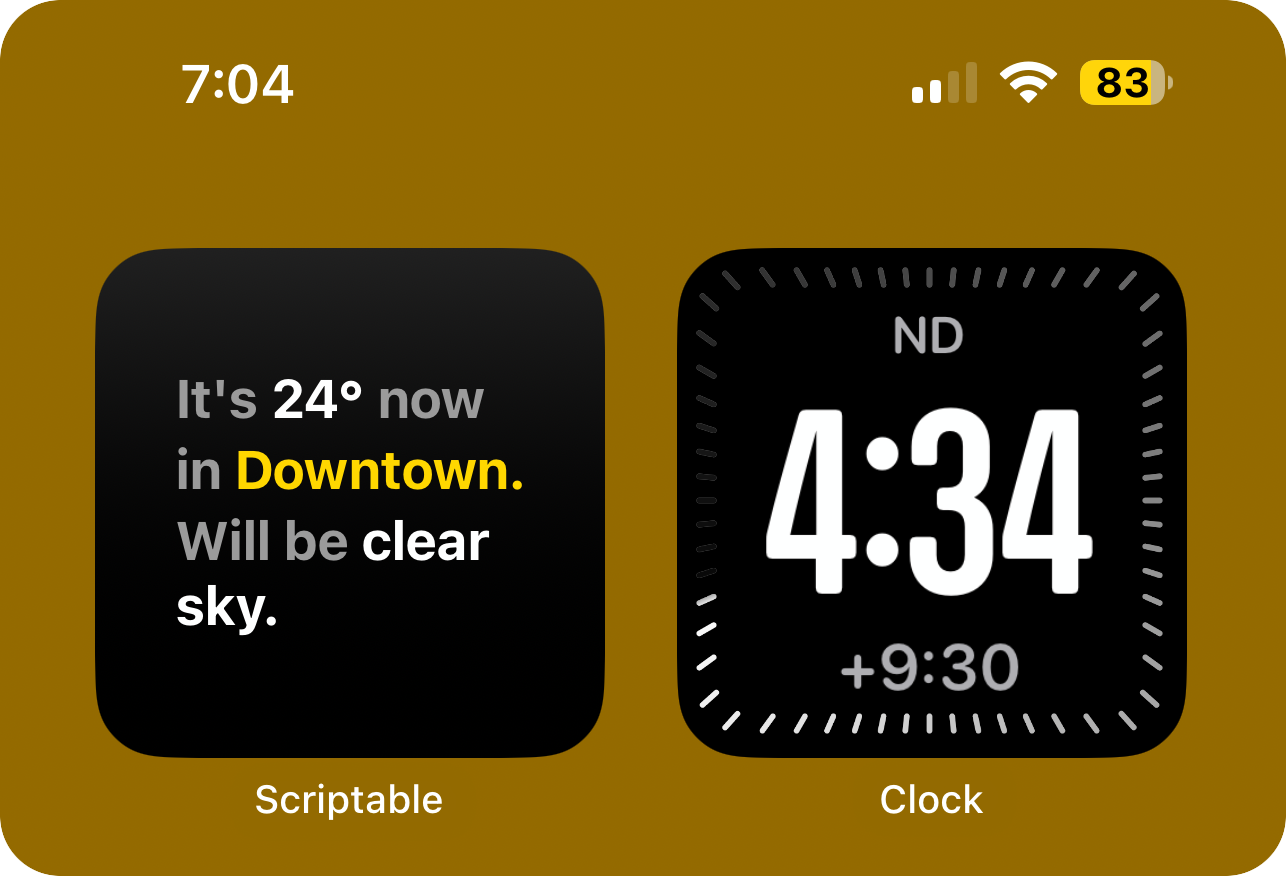
Clean weather widget with auto-location, real-time conditions, responsive typography, and gradient backgrounds. Supports small, medium, and large sizes.
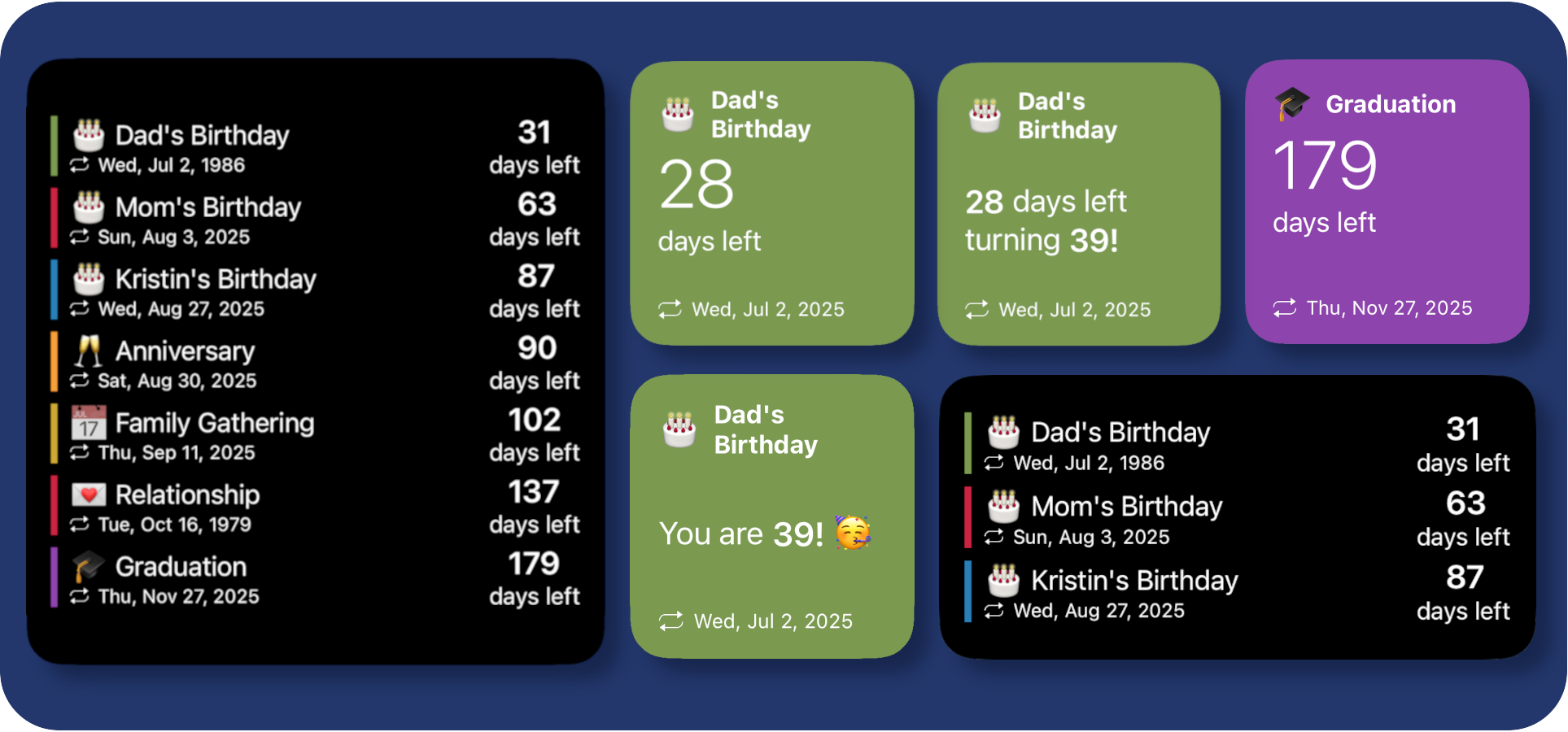
Track upcoming events with Google Sheets integration, customizable colors and icons, flexible layouts, and offline cache support. Multiple display modes.
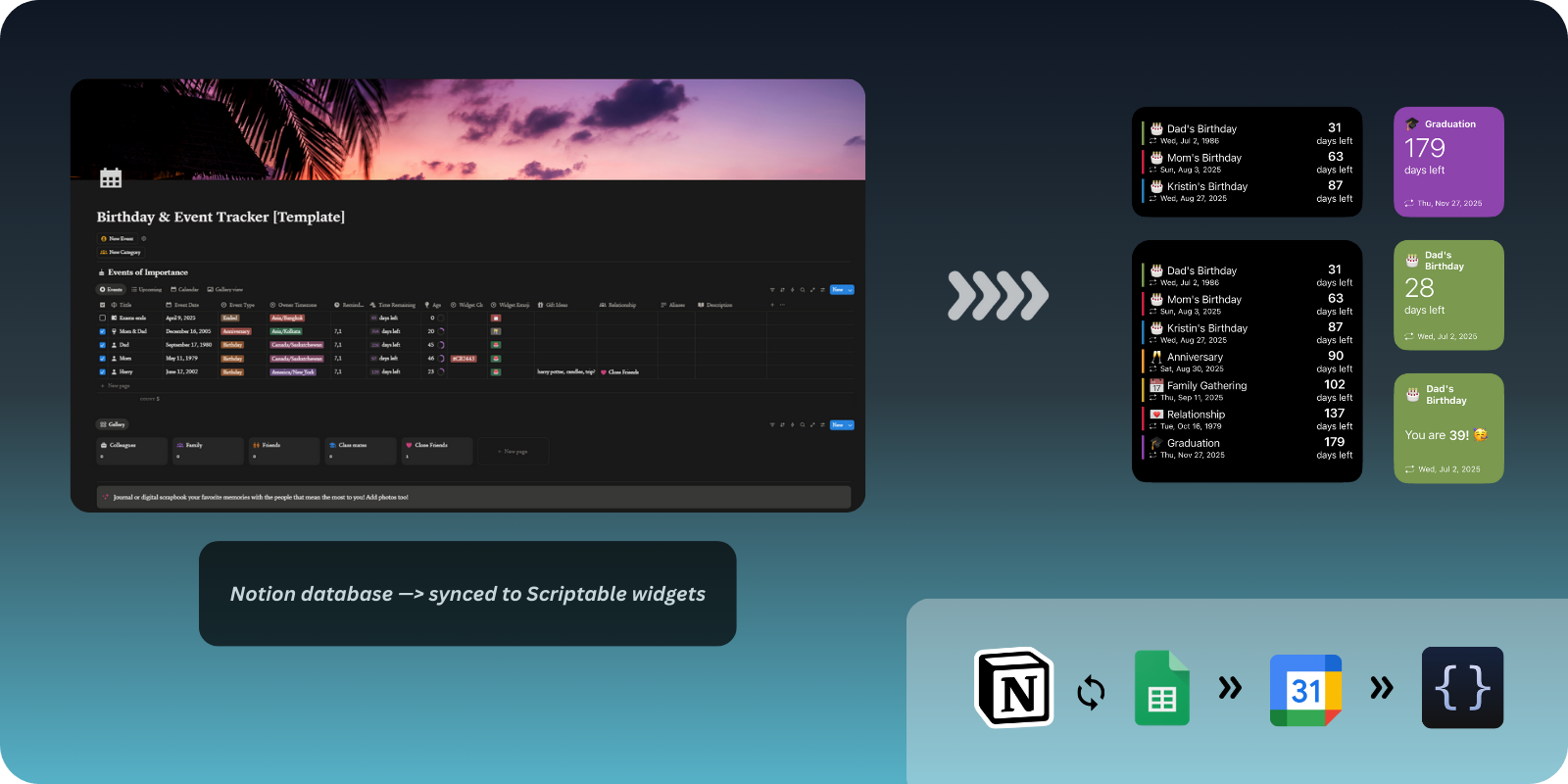
Advanced Notion-to-Sheets-to-Calendar automation pipeline with timezone-aware events, relative reminders, and Google Calendar integration.
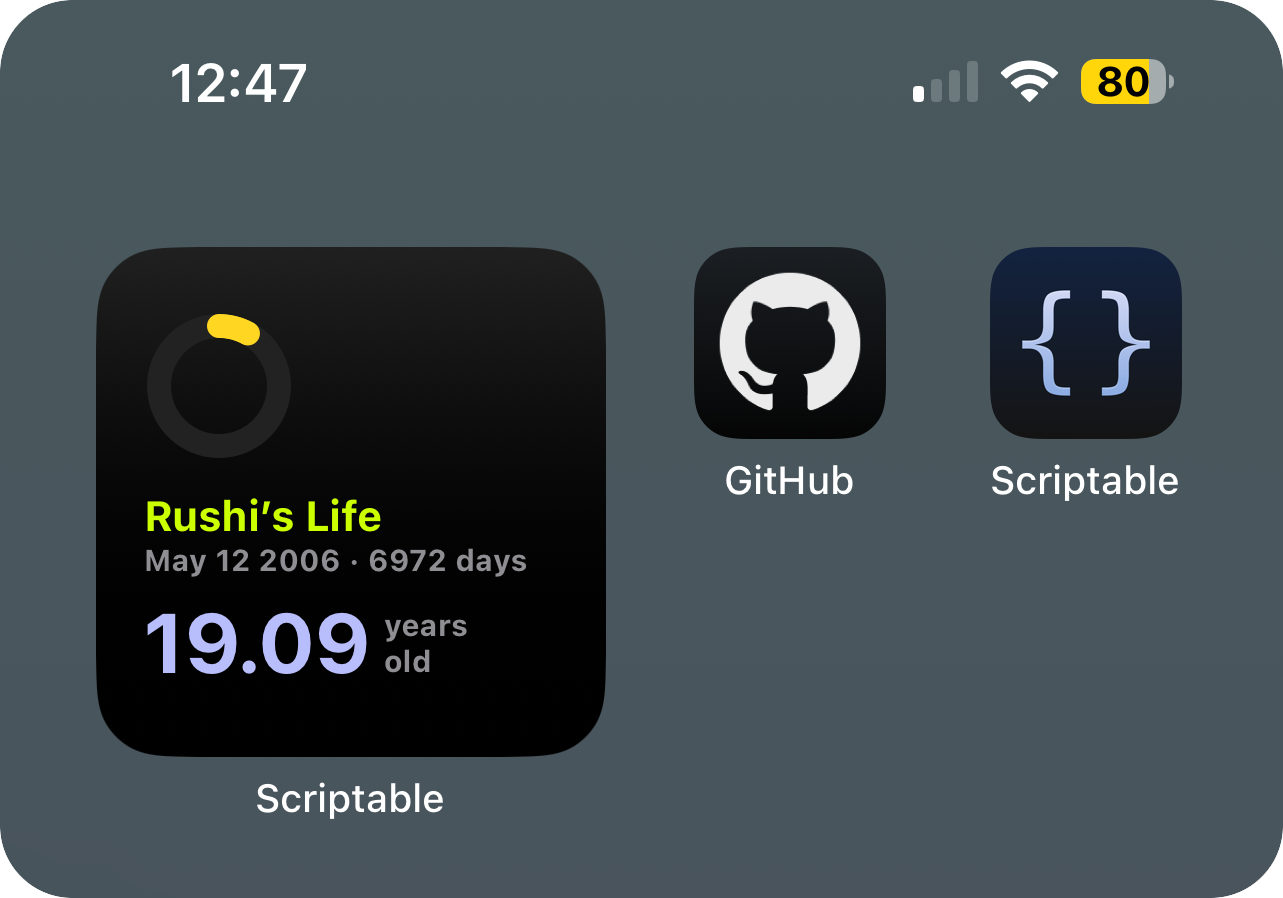
Beautiful minimal widget showing your exact age, total days lived, and a progress ring to your next birthday. Dark gradient design.
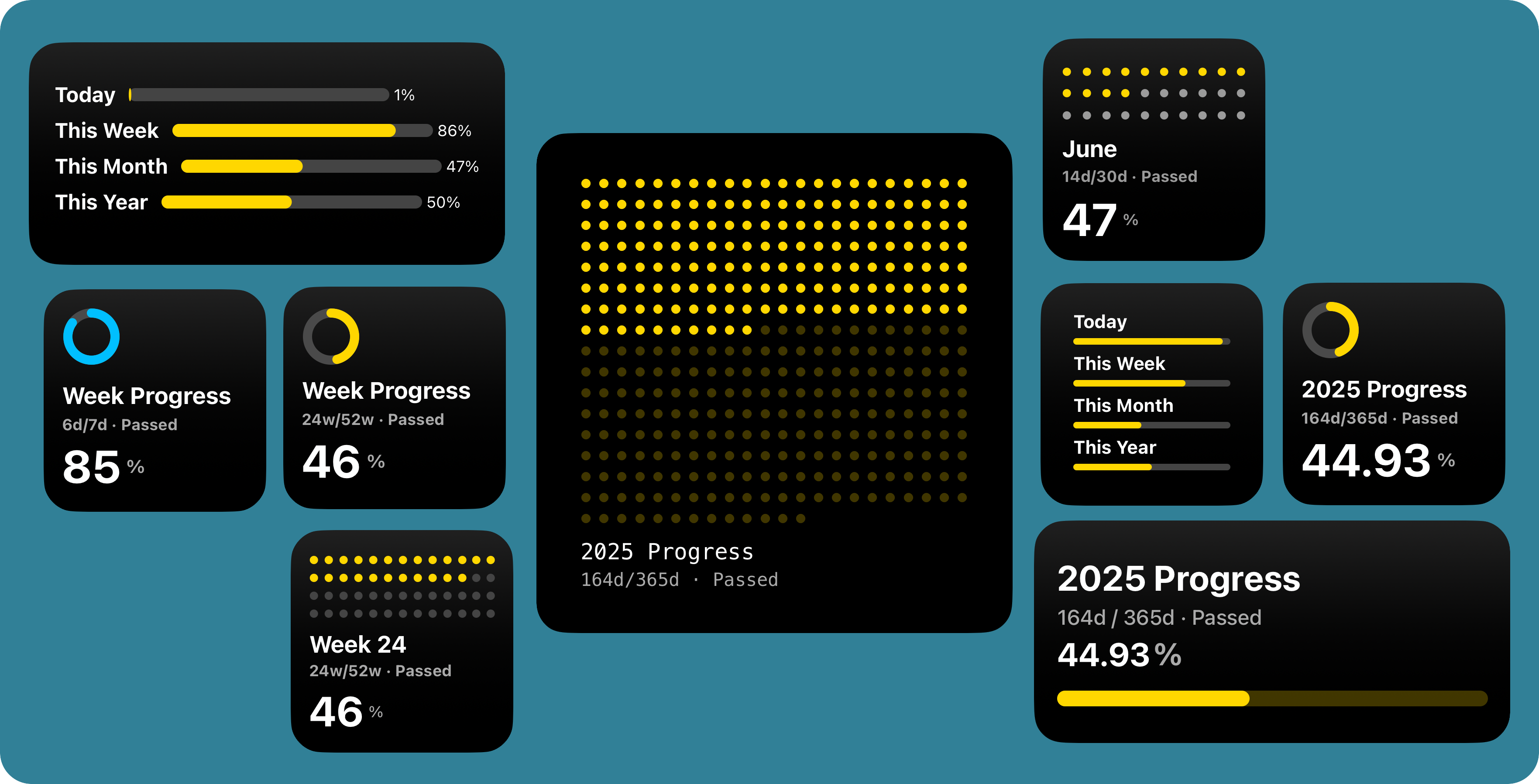
Visualize your life in motion with day, week, month, year, and week-number progress modes. Fully modular with gradient themes.
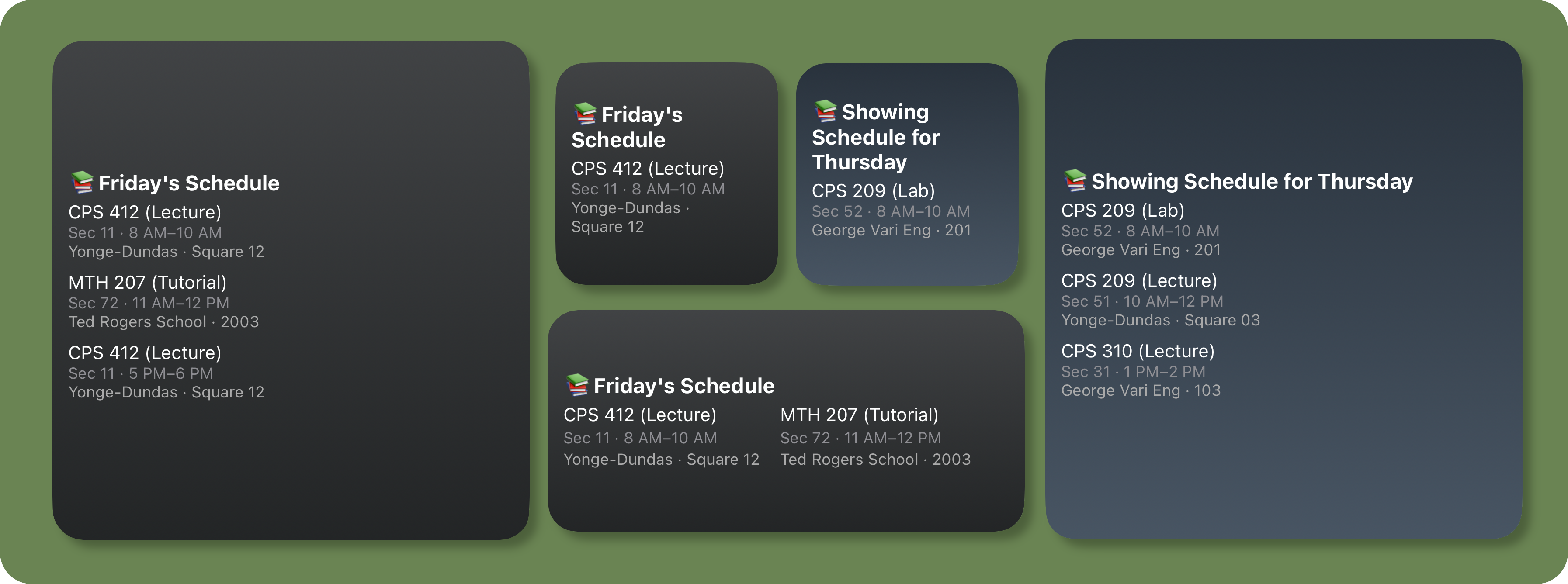
Display your school/university schedule from Google Sheets with daily view, weekly overview, and weekday-specific gradient themes. Testing modes included.
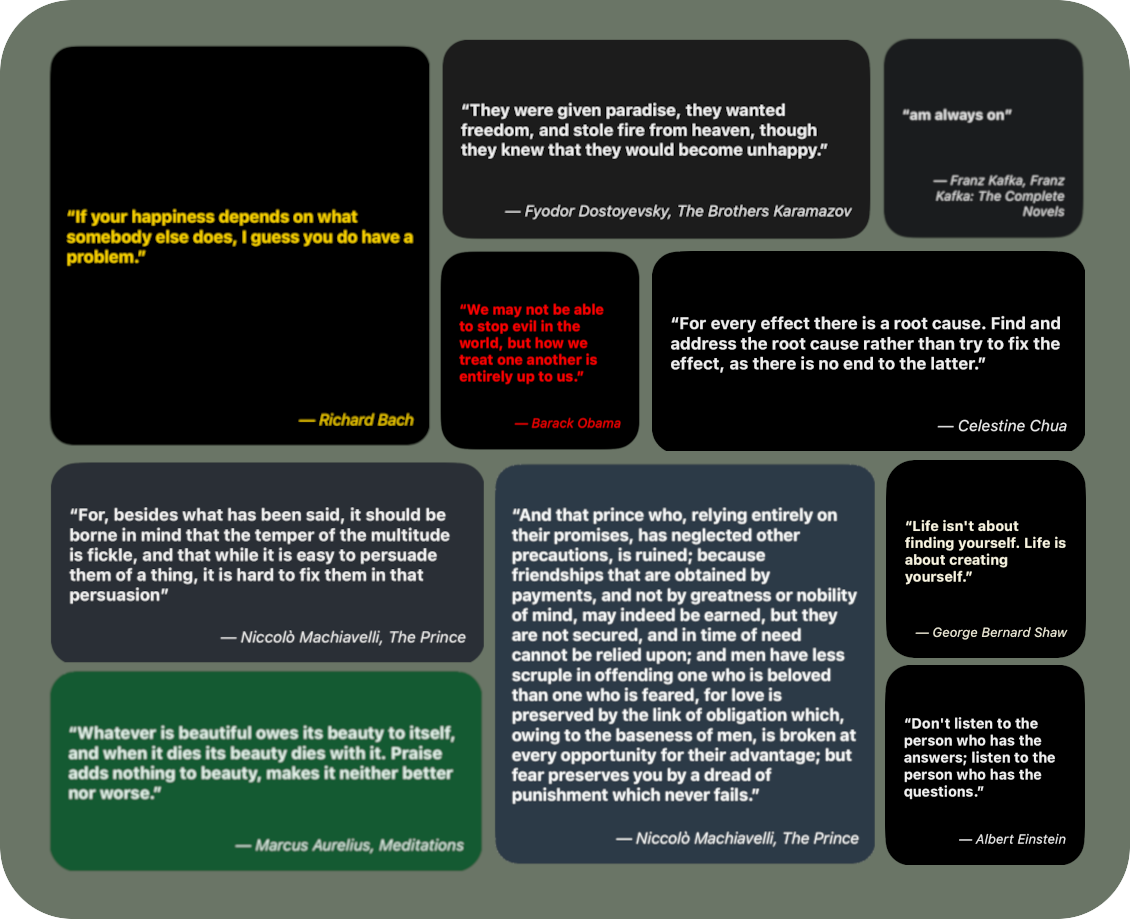
Daily quote widget with category support (Zen, Gita, Aurelius, etc.), dynamic styling, and integration with Google Sheets or Notion.
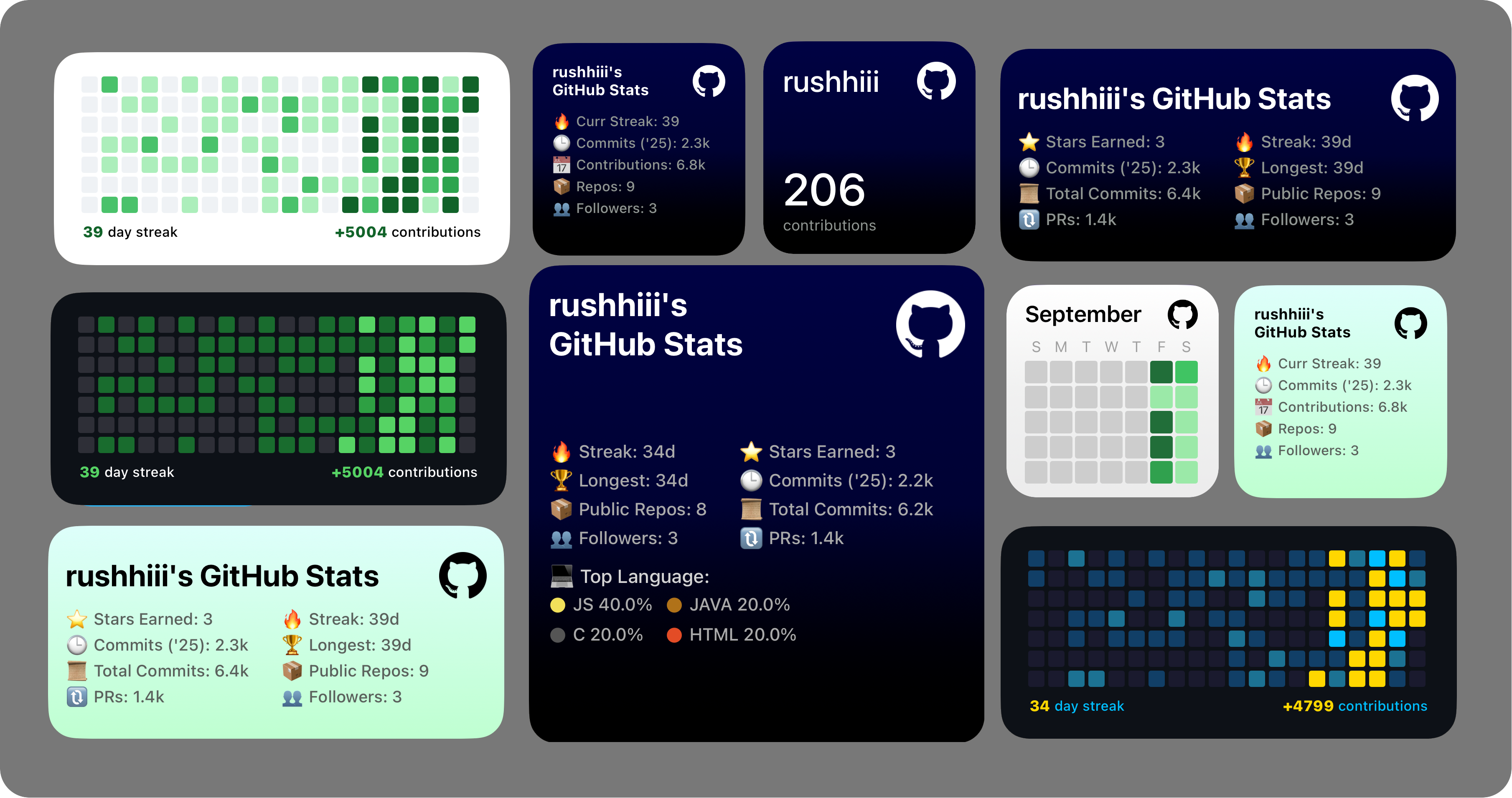
Track your GitHub contributions, streaks, commits, stars, and PRs with 20+ themes. Includes contribution heatmap, offline support, and repo-specific stats.
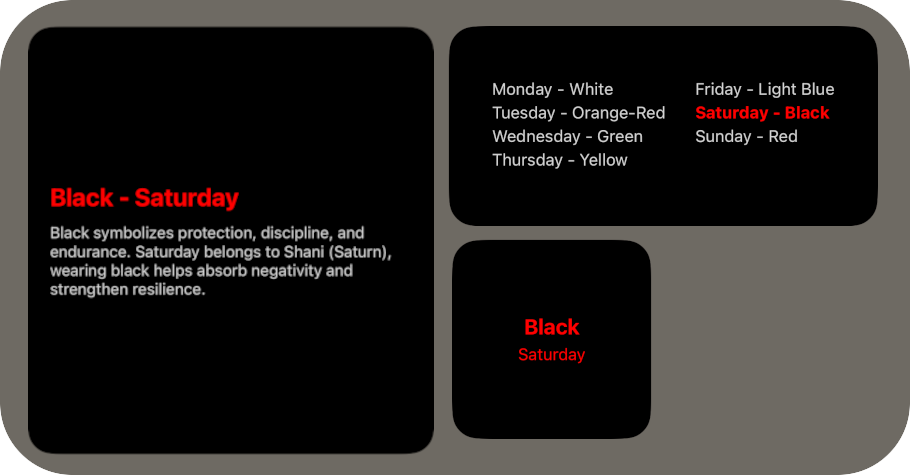
Daily traditional color guidance based on Hindu practices. Each day maps to a color and spiritual quality. All sizes with offline support.
- Install Scriptable.
- Pick a widget folder and copy its main JavaScript file into Scriptable.
- Add a Scriptable widget on your home screen.
- Set the script name in widget settings.
- Set When Interacting to Run Script (recommended).
- Add optional parameters from the widget README/docs page.
| Setting | Value |
|---|---|
| Script | Selected widget script file |
| When Interacting | Run Script |
| Parameter | Optional per-widget config |
The docs site is in docs-site and uses Next.js + Tailwind.
cd docs-site
npm install
npm run dev
npm run typecheck
npm run build
Local docs URL: http://localhost:3000/docs
- Widgets: all widget scripts grouped by widget name
- .assets: screenshots, showcase images, and badge assets
- docs-site: documentation website source
- CONTRIBUTING.md: contribution process
- SECURITY.md: vulnerability reporting guidance
- Contributing guide: CONTRIBUTING.md
- Code of conduct: CODE_OF_CONDUCT.md
- Security policy: SECURITY.md
- Instagram: @the.tirth12
- Email: rushiofficial1205@gmail.com
MIT License. See LICENSE.