






- 🔭 I'm currently working on API development and optimizing proxy server routes
- 👯 I'm looking to collaborate on backend systems, server optimization, and open-source API projects
- 🤝 I'm looking for help with advanced proxy routing and scaling server architectures
- 🌱 I'm currently learning modern deployment patterns and advanced server-side configurations
- 💬 Ask me about VPS setups, RESTful APIs, proxy network routing, or digital text design
- ⚡ Fun fact: I only write production-ready code because I already own the hosting!





Languages & Frameworks




Cloud & Hosting








Backend & Servers








Databases






Frontend & Tools






DevOps & Automation









Networking & Security





Data / ML





Design





Game Dev




Try to catch me! 👇 Click to open an interactive 2048-style game hosted on GitHub Pages:


⚙️ Profile Automation — how everything stays live
This profile is powered by four GitHub Actions workflows that keep every widget up to date automatically:
| Workflow | What it does | Runs |
|---|---|---|
visitor-counter.yml |
Pulls real GitHub traffic data and updates the cumulative Profile Views badge (the one marked VISITOR_COUNT_BADGE) |
Every 6 hours + manual |
profile-3d.yml |
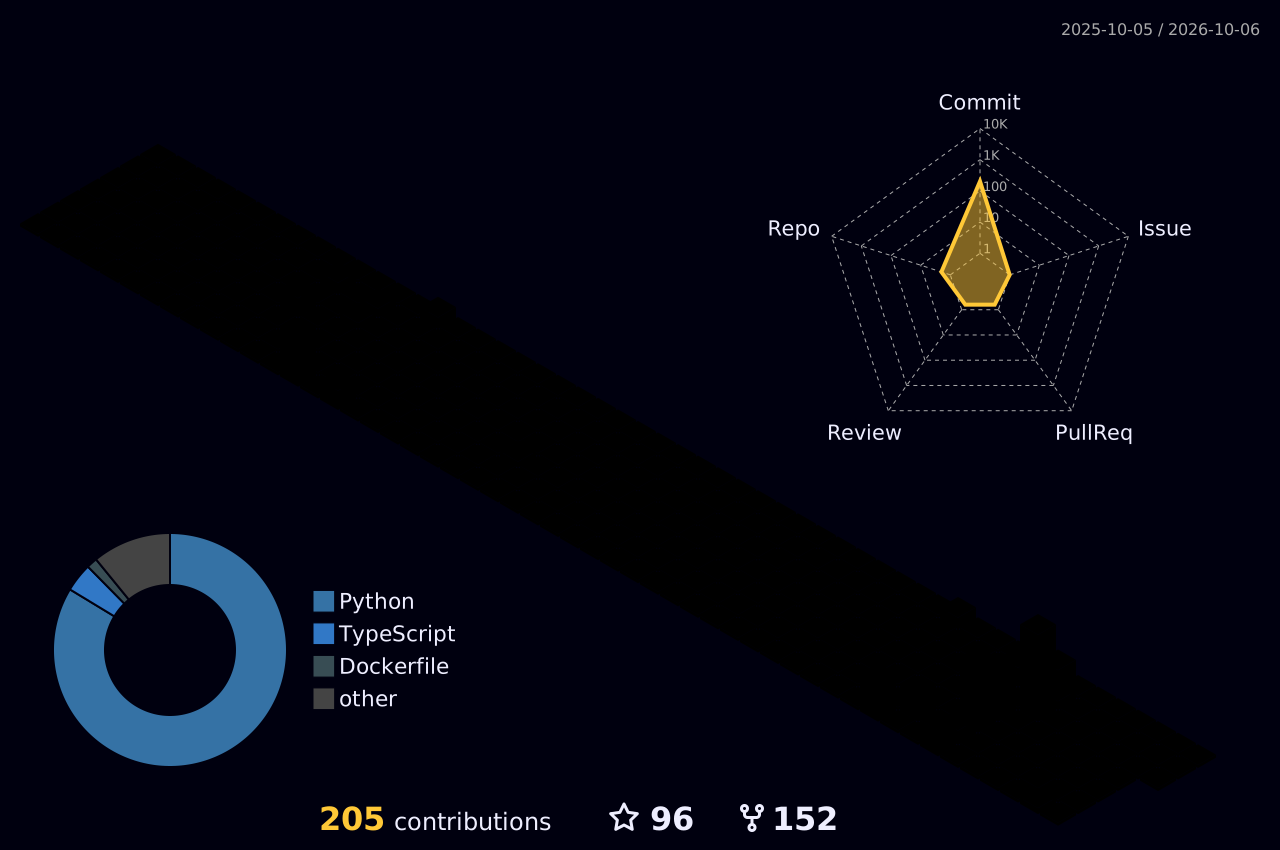
Renders the 3D contribution graph with the yoshi389111/github-profile-3d-contrib action | Every day + manual |
metrics.yml |
Generates the rich metrics card (private + public contributions, languages, achievements, lines of code) with lowlighter/metrics — aggregates only, never shows repo names | Every day + manual |
snake.yml |
Regenerates the animated contribution snake and pushes it to the output branch |
Every 6 hours + manual |
The live visitor counter (top of this page) is rendered by visitor-badge.laobi.icu — it increments in real time on every single profile view, no workflow needed.
The animated graphics (banner, terminal, skill bars, wave divider) are custom SVG files in the assets/ folder of this repo — fully self-hosted, so they never break and no third party is involved.
💡 The 3D graph image appears after the
Generate 3D Contribution Graphworkflow has run once — trigger it manually from the Actions tab, or wait for the daily schedule.
🔐 Want private contributions in the metrics card? (one-time setup)
The default GITHUB_TOKEN can only see public data. To include your private contributions (still no repo names or details — just numbers):
- Go to github.com → Settings → Developer settings → Personal access tokens → Tokens (classic)
- Generate new token (classic) → tick the
reposcope → Generate → copy the token - Back on this repo: Settings → Secrets and variables → Actions → New repository secret
- Name:
METRICS_TOKEN - Value: paste the token
- Name:
- Run the GitHub Metrics workflow from the Actions tab once
The token is stored encrypted by GitHub and never appears in the README. If you skip this step, the metrics card simply renders with public data only.
🔒 Tip: the classic
repo-scoped token is the standard for this. For maximum paranoia, use a fine-grained token limited to read access on your private repos and store it the same way.